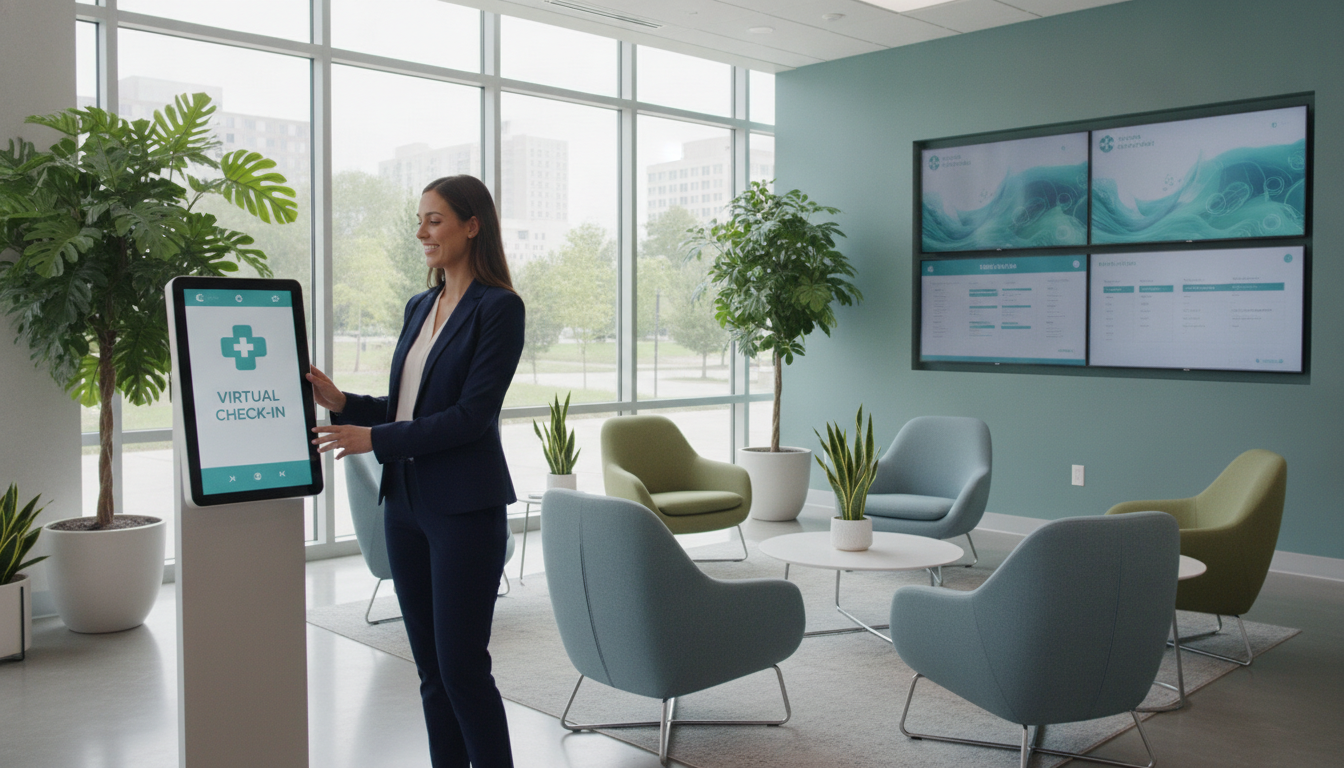
Can you expand access to care before your team is fully staffed? A new clinic location virtual check-in system may help you serve patients sooner without waiting to recruit, train, and schedule more staff.
Patients can receive an appointment URL by text or email. They can open it from a computer or mobile browser and join a visit from home without signing into a patient portal. This simple path supports timely care while your provider team and healthcare workflows take shape.
Inland Urgent Care, with sites in Menifee and Temecula, shows why consistent digital intake matters across multiple sites. You can also review this medical receptionist guide and explore multi-site digital intake before choosing your rollout plan.
Key Takeaways
- Expand patient access before hiring more staff.
- Let patients join visits through a browser.
- Support care from home or on the go.
- Keep intake consistent across sites.
- Start with Total Medical Solution at (352) 516-3972 or info@totalmedicalsolution.com for 24/7 support.
Why New Clinic Location Virtual Check-In Helps You Scale Faster
You can widen access before your staff roster reaches full strength. A digital check-in process handles basic intake and routing, so your team can focus on patient care. It also gives each provider a clearer view of daily demand.
Expand Patient Access Without Adding Full-Time Staff
Providence ExpressCare Virtual offers same-day care across California from 8 a.m. to 8 p.m., seven days a week. Its service reaches communities such as Los Angeles, San Diego, and Santa Rosa. This model helps urgent care and primary care teams extend services without hiring for every intake task.
A 30-minute waiting-room limit creates a clear workflow for patients, staff, and the doctor. For broader intake support, explore a patient check-in system or a medical assistant service.
Support Care From Home, Phone, or Computer
Patients can request care from home using a smartphone, tablet, or computer. This improves comfort and supports urgent care needs. Explain that Inland Urgent Care accepts walk-ins seven days a week, while its slots are pre-registration options, not an appointment.
| Feature | How It Helps | Patient Expectation |
|---|---|---|
| Same-day access | Extends provider capacity | Care during posted hours |
| 30-minute queue | Sets a defined workflow | Join promptly |
| Multiple devices | Supports flexible visits | Use a phone, tablet, or computer |
Build a Convenient Check-In Experience for Patients and Providers
Your patient access process feels easier when each person receives a secure link through a preferred contact method. A text or email link removes extra portal steps before an appointment begins. For more guidance, review this virtual patient check-in guide.
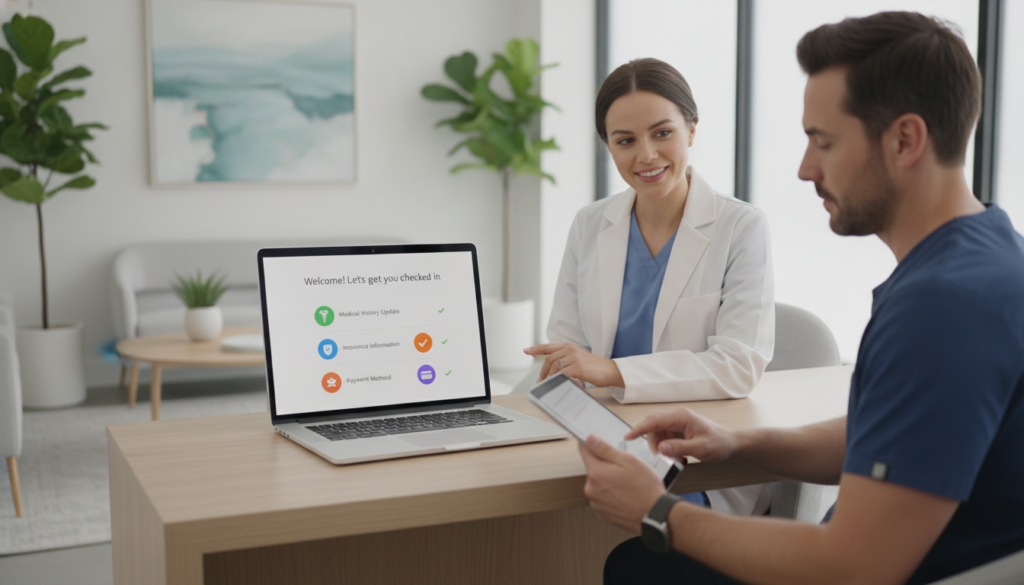
Send Visit Links Through a Preferred Contact Method
Patients, a doctor, or other providers can open the link in a desktop or mobile browser. They do not need specialized software. A computer, smartphone, or tablet can support one virtual visit when the device has a reliable connection.
Up to four users may join one call. That group can include the patient, a caretaker, an interpreter, and a provider-side team member. Sharing the link can support specialty services, language access, family involvement, and coordinated testing.
Providence MyChart also combines appointment scheduling, virtual visits, care-team updates, and health-record access. This connected approach helps your team deliver consistent care while giving patients a clear path to services.
Support More Healthcare Services Across Your New Clinic
One intake path can connect patients with more services as your practice grows. Use digital routing to guide each person toward urgent care, primary care, family care, wellness support, health screenings, testing, or specialty services.
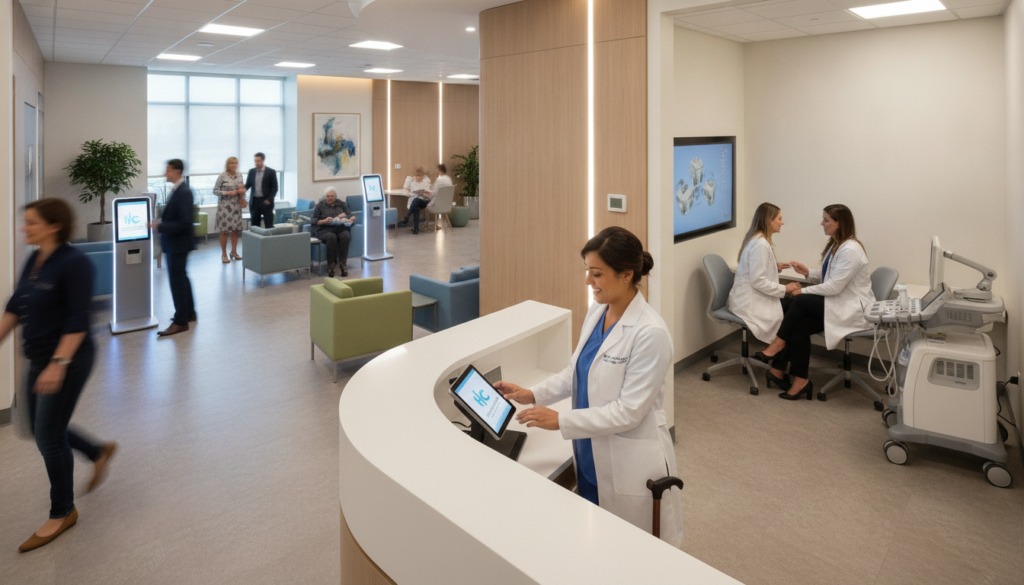
Inland Urgent Care demonstrates how a consistent process can serve Menifee and Temecula. Its offerings include urgent care, family care, screenings, wellness support, X-ray referrals, and testing. Wellness options include weight loss, IV therapy, and hormone replacement therapy. Clear routing helps your team match each request with the right staff member or doctor.
Providence supports concerns such as flu, headaches, respiratory issues, skin problems, gastrointestinal symptoms, pediatric needs, and women’s health. Its clinicians may diagnose minor issues, prescribe medicine, and order lab work. This approach can extend care while reducing avoidable delays through shorter patient wait times.
Urgent care may cost up to 80% less than an emergency visit. Still, serious symptoms require an immediate call to 911. Use intake questions to direct patients safely before a visit begins.
Plan Reliable Virtual Visits With Around-the-Clock Support
Reliable digital access depends on what happens after the link is sent. A clear recovery plan protects patient comfort when technology interrupts a scheduled appointment. This approach helps your team maintain steady care and reduce avoidable delays.
Keep Patients Connected When a Visit Is Interrupted
If a connection drops, patients can reopen the same URL they first received. They can re-enter the visit without requesting another link. The waiting room expires after 30 minutes, so providers should explain when staff may need to follow up.
For urgent care services, published hours also matter. Providence ExpressCare Virtual accepts users from 8 a.m. to 8 p.m., seven days a week, Pacific Time. Total Medical Solution offers telehealth front desk support 24/7.
Make Room for Caretakers, Interpreters, and Care Teams
Up to four users can join one call from the patient and provider sides. A caretaker or interpreter may join when the link is shared. This setup supports language access, family participation, and coordinated health needs.
- Publish (352) 516-3972 with visit instructions.
- List info@totalmedicalsolution.com for support.
- Tell patients when the 30-minute waiting room closes.
Conclusion
A growing clinic can expand access, coordinate care, and serve patients before you hire a larger full-time staff. One clear workflow supports urgent care, primary care, testing, wellness, and other services as demand rises.
Browser-based visits, shared links, easy reconnection, and four-user participation create a practical visit for patients, a doctor, and your team. Providence and Inland Urgent Care show how virtual and in-person models can work across multiple sites. This approach supports health needs while keeping staff focused.
Review the VA’s remote check-in example, then compare healthcare staffing savings and a medical assistant cost analysis. For a tailored plan, contact Total Medical Solution at (352) 516-3972 or info@totalmedicalsolution.com for 24/7 support. Scale with confidence as your practice grows.


