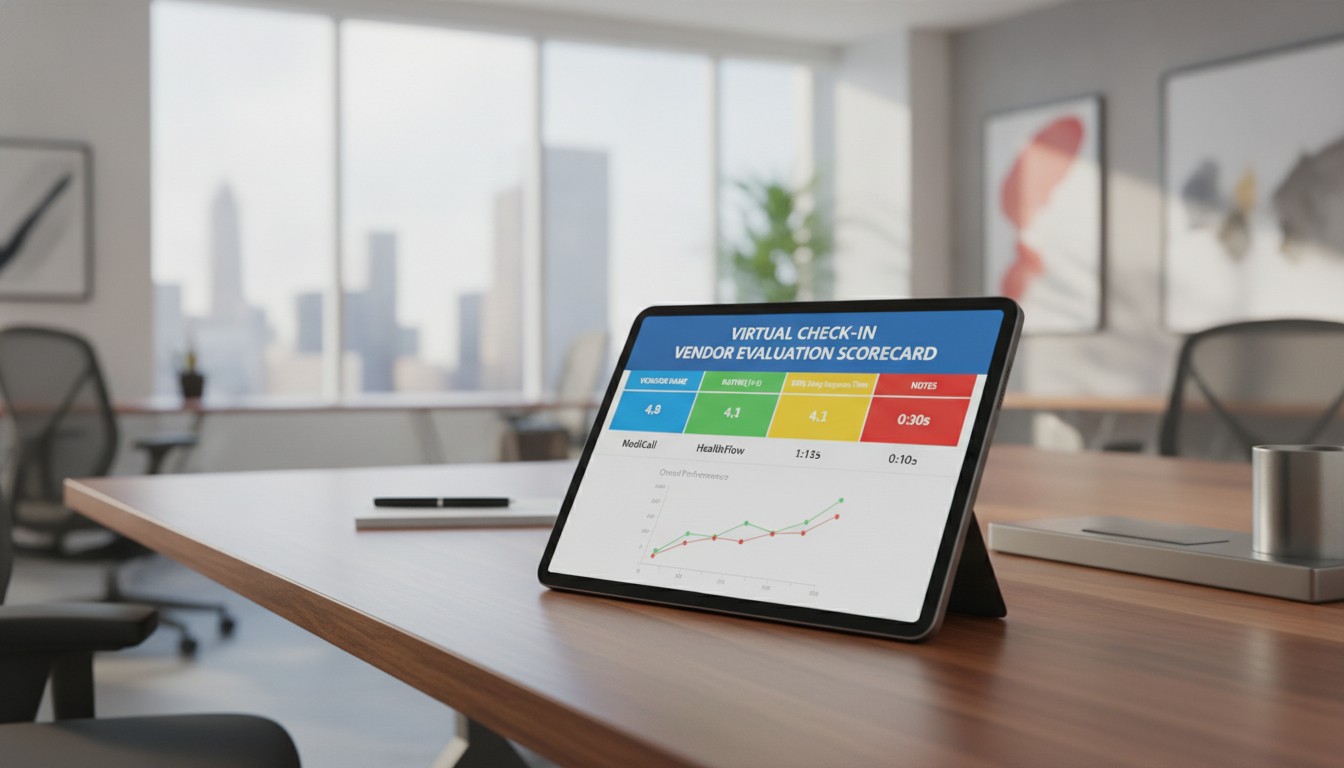
What if the best platform is not the one with the smoothest video call? A strong choice must improve patient access, staff time, communication, and care outcomes without adding avoidable risk.
The digital health market now includes roughly 13,000 companies. That range spans telehealth, remote monitoring, behavioral health, and AI care tools. To evaluate virtual check-in vendor options, you need more than a quick product review.
This scorecard helps you compare security, workflow design, EHR connections, reminders, intake, and follow-up around visits. It also separates a full virtual care evaluation from a narrow video-platform review focused only on call quality.
The 2023 ICER-PHTI Assessment Framework offers useful context. As the first independent, payer-aligned standard for digital health evidence, it supports a more defensible decision for practices. Use this guide while comparing vendors, and explore multi-location patient access tools when needed.
For implementation guidance, call (352) 516-3972, use Text Me, or email info@totalmedicalsolution.com. Support hours are available 24/7.
Key Takeaways
- Compare access, quality, security, and staff workload.
- Look beyond video and basic appointment features.
- Use evidence to guide purchasing decisions.
- Review integrations, reminders, and follow-up.
- Plan for consistent care across locations.
Why Practice Managers Need a Structured Virtual Check-In Vendor Evaluation
A smooth patient arrival starts before the appointment. A digital workflow can cut routine processing from five to 10 minutes to less than two. That saved time helps your team focus on care, not manual tasks.
The American Hotel & Lodging Association reports staffing shortages at 67% of hotels. Medical practices face similar pressure. Early messages, digital intake, and a reminder can improve access, readiness, and communication before visits.
How Digital Check-In Supports Patient Access and Staff Efficiency
Look for a platform that connects scheduling, intake, messaging, and follow-up. This communication layer can reduce phone work and show staff which patients need help. Learn how patient check-in works before you compare products.
Why Video Quality Alone Does Not Define Platform Value
Strong telehealth video matters, but it does not close workflow gaps. A limited tool may lack EHR integration, outreach, or follow-up. When assessing virtual care, weigh security, compliance, staff time, and patient outcomes together.
The 2023 ICER-PHTI framework adds independent evidence to digital health assessments. NCQA and CMS also update HEDIS and Stars standards, including equity and remote monitoring priorities. Use these requirements to limit risk and compare vendors with greater confidence.
Evaluate Virtual Check-In Vendor Options With a Practical Scorecard
Use a simple scorecard to compare patient access, staff effort, clinical support, and measurable outcomes. Do not judge a platform by video quality alone. When evaluating virtual care, review how each option supports communication before, during, and after the visit.

Patient Experience and Communication Features
Look for SMS, voice, email, digital intake, confirmation links, rescheduling, and readiness checks. A timed reminder may reduce missed visits, but different patient groups may need different contact methods. Ask one clear question: can the system improve access without creating more work?
Workflow Automation and Staff Usability
Assess whether the tool has a clinical layer for data interpretation, risk triage, escalation, care-gap closure, and documentation. A telehealth tool without this layer may shift tasks to your team. Also review EHR integration, response times, and daily usability. See how patient wait times can decrease through better workflow design.
Scalability, Support, and Implementation
Separate peer-reviewed evidence from testimonials, case studies, and funded white papers. Christian F. Ix-Caamal reported about 35% greater staff efficiency with Canary, yet your practices should confirm the setting and results. Compare training, security, support, and future growth before choosing a vendor. For help, call (352) 516-3972, select Text Me, or email info@totalmedicalsolution.com. Support is available 24/7.
Assess Scheduling, EHR Integration, and Platform Compatibility
Your scheduling system should act as the control center for digital care. Before choosing a vendor, confirm that its platform supports your EHR integration, telehealth needs, and daily requirements. Strong connections reduce errors, protect staff time, and improve patient access.
Two-Way EHR Integration and Scheduling Synchronization
Real-time, two-way EHR integration updates appointment types, provider availability, cancellations, and patient data across systems. One-way import or export does not. Without true synchronization, practices may manage separate calendars, repeat data entry, and reconcile records by hand.
Ask one practical question: what happens during EHR downtime, maintenance, or a sudden schedule change? Review security, response time, and recovery steps. These details reveal whether the integration supports safe care or adds operational risk.
Reminders, Digital Intake, and Follow-Up Workflows
Look for SMS and voice reminders, confirmation tools, digital intake, and readiness checks. Patients should be able to test a camera, microphone, and connection before telehealth visits. After care, automated messages can support follow-up, rescheduling, and clear communication.
- Confirm intake completion before the visit.
- Track responses across each communication layer.
- Connect payment, scheduling, and care tools.
Canary’s connections with property systems, payment providers, and digital keys show why compatibility across the full technology stack matters.
Review Security Posture, HIPAA Controls, and Compliance Evidence
Your safest choice begins with written proof, not a polished sales demo. Review the vendor’s security posture across telehealth, messaging, forms, storage, and support systems. This broader view helps you spot risk before it reaches patient care.
Protect Data Across Every Patient Touchpoint
Ask one direct question: does encryption protect every channel that handles patient data? Request documentation for video, SMS, digital forms, stored records, and backups. Confirm user access controls, audit logs, incident response, subcontractors, and deletion rules.
HITRUST r2 serves as a payer-level benchmark. HITRUST e1 and i1 assessments do not provide an equivalent substitute. Also confirm whether the vendor includes a Business Associate Agreement when it qualifies as a business associate. Review HIPAA compliance support for added guidance.
- Match safeguards to HIPAA requirements and your setting.
- Check audit-log retention and permission reviews.
- Request peer-reviewed evidence for safety, quality, equity, and outcomes.
Strong compliance reduces operational risk and supports audit readiness. For help, call (352) 516-3972, choose Text Me, or email info@totalmedicalsolution.com. Support is available 24/7.
Measure Vendor Evidence, Quality, Costs, and Expected Outcomes
Strong purchasing decisions connect proof with daily results. When evaluating virtual care, use the 2023 ICER-PHTI framework as a useful reference. Its assessments cover diabetes, hypertension, musculoskeletal conditions, depression and anxiety, and opioid use disorder.
Ask for more than marketing claims. Require baseline data, a comparison group, a defined patient population, a follow-up period, and clear methods. This evidence helps you assess vendor claims, care quality, utilization, risk, and expected outcomes.
Calculate total cost before you choose a platform. Include subscription fees, implementation time, EHR integration, staff training, messaging charges, support, and future volume. Review security posture, documentation, communication, and response standards. Use this vendor selection checklist to organize your review.
- Track completed intake, reminder response, patient satisfaction, and staff minutes saved.
- Measure escalation response, completed follow-up, no-show recovery, and care outcomes.
- Test claims such as Canary’s 10-minute setup and reported 35% efficiency gain.
| Claim or measure | What to request | Decision value |
|---|---|---|
| 35% efficiency gain | Baseline, sample size, and time period | Staff productivity |
| 10-minute setup | Steps, limits, and integration needs | Implementation risk |
| 11% rate increase | Review source and comparison group | Financial impact |
| 350% more five-star reviews | Method, population, and follow-up | Patient experience |
Use Vendor Questions to Identify Evaluation Gaps and Deal-Breakers
The right questions often reveal more than a polished product tour. Ask for clear answers about data ownership, response times, documentation, and clinical responsibility before you approve a platform.

Questions About Data, Response Times, Documentation, and Clinical Escalation
First, ask whether the system only sends data or adds a clinical layer. That layer should interpret risk, start outreach, close care gaps, and document actions. Without it, your team may absorb extra telehealth work.
Request written evidence for peer-reviewed outcomes, EHR integration, reminder results, access permissions, audit logs, incident response, and subcontractors. Confirm HIPAA obligations, BAA availability, and data return terms. Missing evidence can exclude a solution from high-risk care programs.
- What response time applies to urgent alerts?
- Who handles escalation after business hours?
- Does security meet HITRUST r2 standards?
- Can practices review documentation and quality reports?
Use these survey questions for vendors to compare answers. For support, call (352) 516-3972, use Text Me, or email info@totalmedicalsolution.com. Help is available 24/7.
| Deal-breaker | Written proof to request | Risk exposed |
|---|---|---|
| No clinical responsibility | Escalation roles and coverage | Delayed care |
| Weak security controls | HITRUST r2 and audit records | Privacy risk |
| Limited evidence | Peer-reviewed methods and results | Unproven quality |
Conclusion
A structured scorecard gives your practice a clear way to compare a vendor, evidence, security, integration, communication, cost, and expected outcomes. It keeps the final decision grounded in facts, not demonstrations alone.
Your review should cover the full virtual care path: reminders, intake, telehealth visits, follow-up, escalation, documentation, and staff use. Pair the 2023 ICER-PHTI framework, HITRUST r2 expectations, and peer-reviewed assessments with a security assessment. Also compare digital arrival workflows with your current process.
Reject vendors that cannot explain quality methods, clinical responsibility, implementation needs, or patient outcomes. Then create a short list, record tradeoffs, confirm contract terms, and choose the best fit for safe telehealth and patient care.
- Call (352) 516-3972 or use Text Me.
- Email info@totalmedicalsolution.com for help with next steps. Support is available 24/7.


