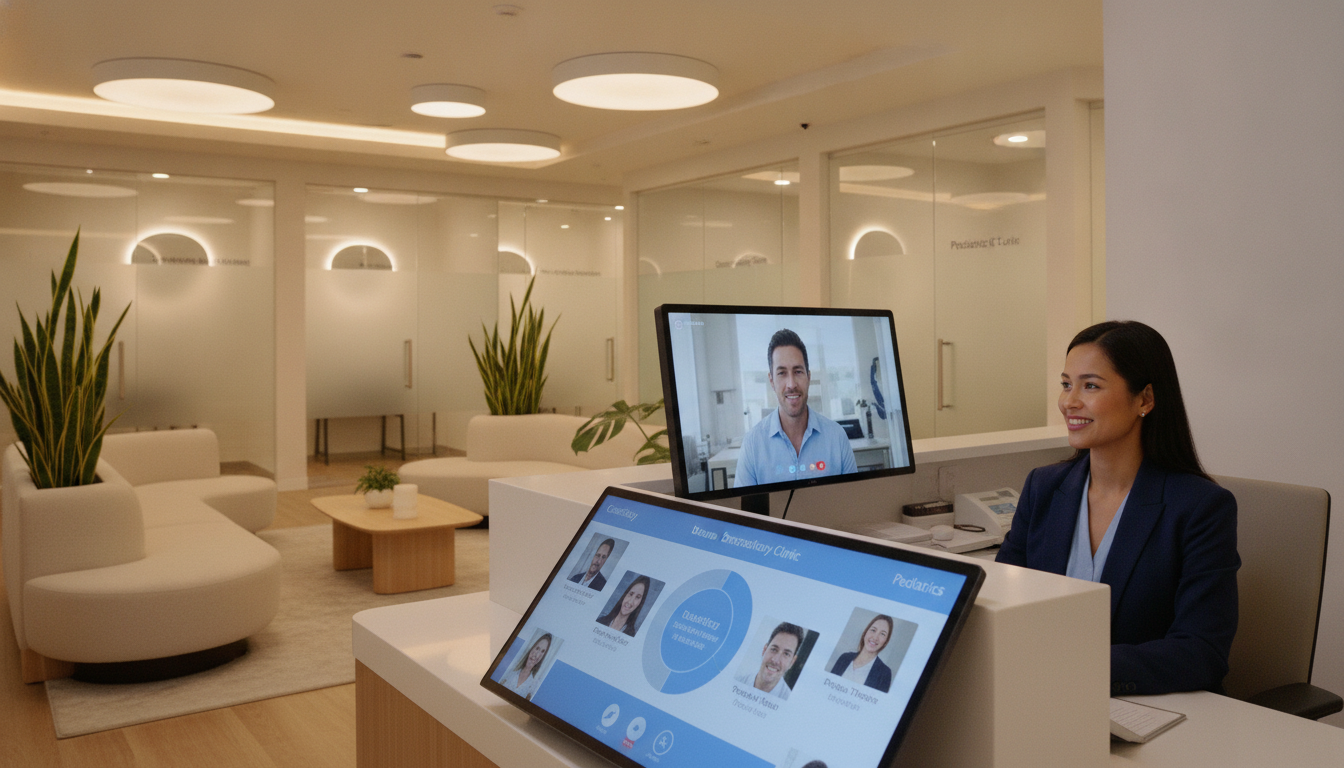
What happens when a missed call costs your practice a new patient? Busy lines can push calls to voicemail, create long waits, and send patients to another office. A consistent access service helps behavioral health, surgical, dental, and primary care departments respond with one clear standard.
ClinicMind offers a HIPAA-compliant receptionist service that connects with your EHR and scheduling system. Bookings update records and calendars in real time, which reduces duplicate entry for your staff and improves communication across the office. Learn more about the HIPAA-compliant receptionist service or review healthcare staffing cost options.
The plan includes a $99 setup fee, $300 per month for 300 minutes on a 12-month term, and a $1.25 rate for each extra minute. It can scale from solo practices to multi-location clinics. For questions about your needs, call (352) 516-3972. Support is available 24/7.
Key Takeaways
- One service can support several departments.
- Bookings can update the EHR and calendar automatically.
- HIPAA-compliant communication helps protect patient information.
- The base plan covers 300 minutes each month.
- Extra minutes cost $1.25 each.
- Support is available 24/7 at (352) 516-3972.
How a Virtual Front Desk Multi-Specialty Group Service Improves Patient Access
Fast, clear access helps your clinic earn trust before a patient arrives. A virtual front desk can answer routine calls while your in-office team assists people already in the building. This reduces interruptions and keeps your staff focused.
Reduce missed calls and interruptions
An MGMA case study found that some clinics sent over 50% of incoming calls to voicemail. The organization aimed for a missed-call rate of 10% or less and reached that goal in about one year. Its average call took about 95 seconds, showing how quickly small tasks can fill a busy day.
Route patients by reason for calling
A receptionist can screen calls by reason, urgency, and team availability. This approach helps patients reach the right department without knowing internal names or facing repeated transfers. Primrose also uses priority routing, voicemail management, and detailed call logs.
Support consistent service across departments
Shared scripts and clear message rules create a steady experience for every patient. The service can support scheduling, appointment changes, questions, and reminders. For a practical overview, explore this medical receptionist guide.
Need help now? Call (352) 516-3972. Support is available 24/7.
What Your Virtual Front Desk Handles
Your patients need clear answers at every step, from the first call to a confirmed visit. A trained receptionist can manage routine requests while your team stays focused on care. This service supports practices with reliable scheduling and patient communication.
Appointment scheduling, rescheduling, and cancellations
The receptionist books new appointments, changes existing visits, and records cancellations from start to finish. Each confirmed appointment goes directly to your practice calendar through the connected system. Primrose also supports scheduling by phone, online request, and in-person request.
During live coverage, ClinicMind answers calls Monday through Friday from 9:00 a.m. to 9:00 p.m. ET. Voicemails received during those hours receive a return call within two business hours. Call (352) 516-3972 with questions about coverage or setup.
Patient questions, messages, and practice information
Callers can ask about office hours, locations, directions, insurance, and general policies without waiting for clinical staff. Trained desk staff can collect intake details, medical history, and registration information. They route clinical concerns to the right healthcare professional rather than offering medical guidance. Accurate details also support cleaner billing and records.
Specialty-Aware Support for Multi-Specialty Practices
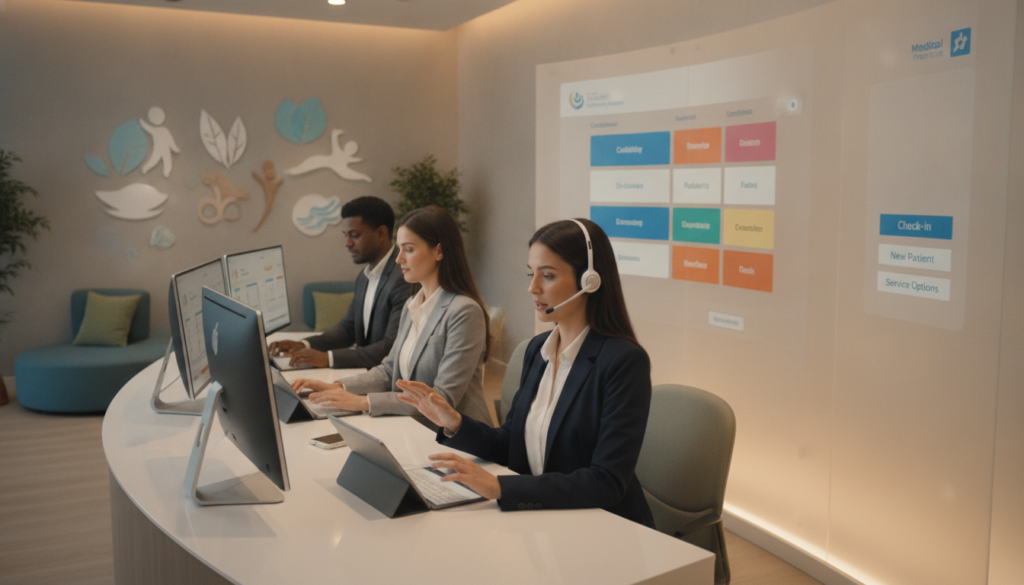
Every department follows its own rules, so one call path may not fit every patient. A specialty-aware virtual front desk service helps your staff apply the right intake steps, scheduling rules, and escalation plan for each clinic.
Coordinate different scheduling rules and intake workflows
Dental teams need benefit verification, treatment-plan quotes, and quick help during emergency call spikes. Behavioral health intake may require longer, private conversations and immediate transfer of clinical questions to licensed staff. Surgical teams also need precise pre-operative instructions, authorization follow-up, and post-operative bookings.
Support behavioral health, surgical, dental, and primary care teams
Chiropractic and physical therapy practices manage frequent visits, authorization counts, and care-plan rebooking. Aesthetic clinics depend on rapid consultation booking. Telehealth teams must confirm platform access and reschedule failed connections the same day. Learn more about telehealth reception support.
Follow your scripts, verification steps, and escalation protocols
MedGather receptionists complete healthcare, HIPAA, and specialty training before placement. Refresher training continues after placement. Behavioral health support uses a supervised facility, biometric access, company devices, and a Business Associate Agreement. Call (352) 516-3972 for specialty support, available 24/7.
Connected Scheduling, Intake, Insurance, and Patient Communication
Connected tools help your practice move information from the first request to the completed visit. With a virtual front desk, an appointment can enter the calendar and patient record at once. Your staff avoids duplicate entry and gains a clearer view of daily work.
Capture patient information and update records
The intake process can collect demographics, medical history, insurance details, and required forms before arrival. Accurate data supports cleaner billing and fewer follow-up tasks. It also helps keep records complete across the care team.
ClinicMind sends booked patients to PatientHub for reminders and recall activity. This lets the front desk focus on calls, scheduling, and practice questions while the system manages routine outreach. Primrose also supports insurance checks, record updates, refill requests, and document routing. Its fax system flags lab results for physician review and sends referrals to the right staff member.
For guidance on digital check-in, review this patient check-in guide. Call (352) 516-3972 to discuss integration, workflow ownership, and communication preferences for your service.
Benefits for Your Staff, Patients, and Practice Operations
A well-planned access model can improve daily work without adding pressure to your team. It gives your practice more time for patient care, check-in, and clinical coordination.
Give your team more time to focus on care
A virtual receptionist handles routine calls, appointment requests, and basic questions. This reduces interruptions for front desk staff. Michael Chen reported reducing his family medicine staff from four full-time employees to two while improving satisfaction scores by 40%. Primrose reports that its assistant may reduce staffing needs by up to 80%.
Review staffing options for therapy practices and medical assistant tasks before changing your workflow.
Improve patient satisfaction and appointment access
MGMA Stat found that 32% of medical groups reported higher no-show rates in 2026, up from 27%. Clear reminders and simple scheduling can help patients manage rising costs, including average deductibles of $3,786. A virtual receptionist also supports easier access when your team is busy.
ClinicMind charges $300 per month for 300 minutes on a 12-month term, plus $1.25 per extra minute. Compare these costs with hiring, training, turnover, and overtime. Call (352) 516-3972 to assess your needs. Support is available 24/7.
| Measure | Reported result | Operational value |
|---|---|---|
| Staffing | Four employees reduced to two | More efficient coverage |
| Satisfaction | 40% improvement | Stronger patient experience |
| No-shows | 32% reported an increase | More need for reminders |
Reliable Coverage for Calls, Scheduling, and Support
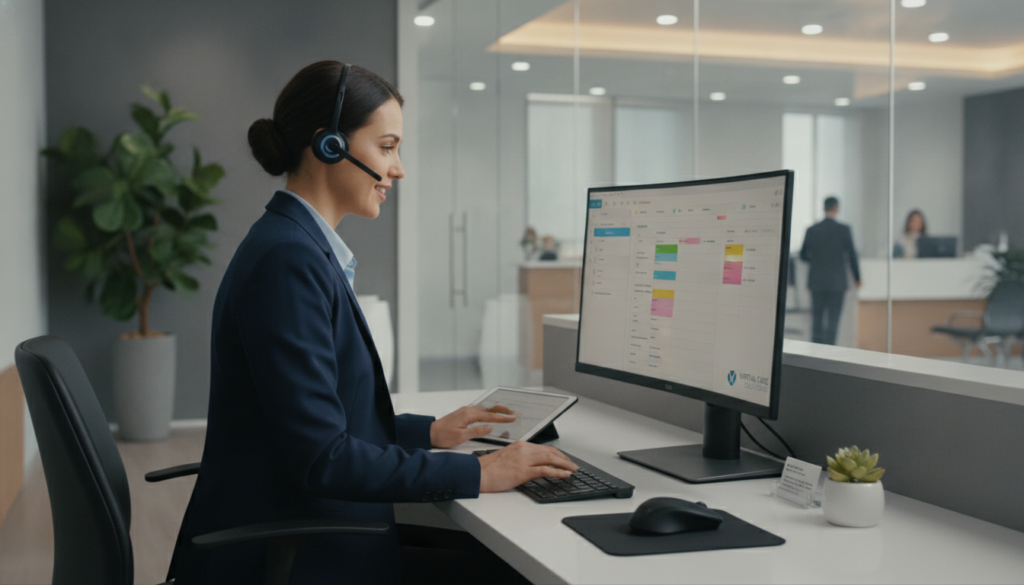
Reliable call coverage gives your practice a clear plan for busy periods and missed contacts. ClinicMind’s virtual front desk supports inbound calls, scheduling, practice information, and selected follow-up tasks.
Live handling runs Monday through Friday, from 9:00 a.m. to 9:00 p.m. ET. During these hours, a receptionist returns voicemails within two business hours. Calls placed after hours or on weekends receive a return call the next business day.
Support remains available 24/7, but your team should explain these live coverage windows to patients. Optional outbound calls can address no-shows or follow-ups. They use plan minutes and do not replace automated recall campaigns.
- Call logs help staff track open patient needs.
- Voicemail management keeps messages organized.
- Priority routing helps direct urgent medical situations.
Primrose offers these tracking and routing tools to support reliable workflows. Call (352) 516-3972 to review peak times, overflow volume, department needs, and appointment coverage.
| Coverage area | What your practice receives | Planning value |
|---|---|---|
| Live calls | Weekday handling, 9 a.m.–9 p.m. ET | Clear patient expectations |
| Voicemails | Return within two business hours | Fewer unresolved messages |
| After-hours calls | Next-business-day callback | Simple escalation planning |
Get Started With Your Virtual Front Desk Service
Choosing the right access model starts with a clear conversation. You can review call volume, department rules, patient preferences, scheduling needs, escalation paths, and success measures. This helps the service fit your practice from day one.
Primrose uses three onboarding stages: Discovery & Planning, Setup & Integration, and Training & Launch. The team reviews workflows, connects EHR or EMR systems, tests communication channels, trains your staff, and monitors the launch. You can also explore this patient access service or ask about prior authorization support.
“A thoughtful launch plan creates confidence for your team and a smoother experience for patients.”
Call, text, or email your support team
Call (352) 516-3972 to discuss your needs with a receptionist. Use the “Text Me” option for quick questions, or email info@totalmedicalsolution.com with workflow and integration details.
Access support twenty-four hours a day, seven days a week
Support is available 24/7, including help beyond a traditional day. Hundreds of practices have launched with professional receptionist support. Start with one conversation and build a plan that works for your team.
Conclusion
One access plan can bring order to a busy healthcare practice while preserving each department’s own rules. Your virtual front desk can route calls, manage appointments, and support intake without replacing licensed clinical judgment.
Trained receptionists can answer insurance questions, complete verification steps, share office information, and send patient needs to the right team. Connected schedules, records, reminders, billing, and communication tools improve daily management for a growing clinic.
This model suits behavioral health, dental, surgical, telehealth, and multi-specialty group practices. Review coverage, integration, staffing, and cost before choosing a service. A virtual receptionist can support care while your staff stays focused on patients.
Ready to compare options? Call (352) 516-3972, choose the “Text Me” option, or email info@totalmedicalsolution.com for 24/7 support information.