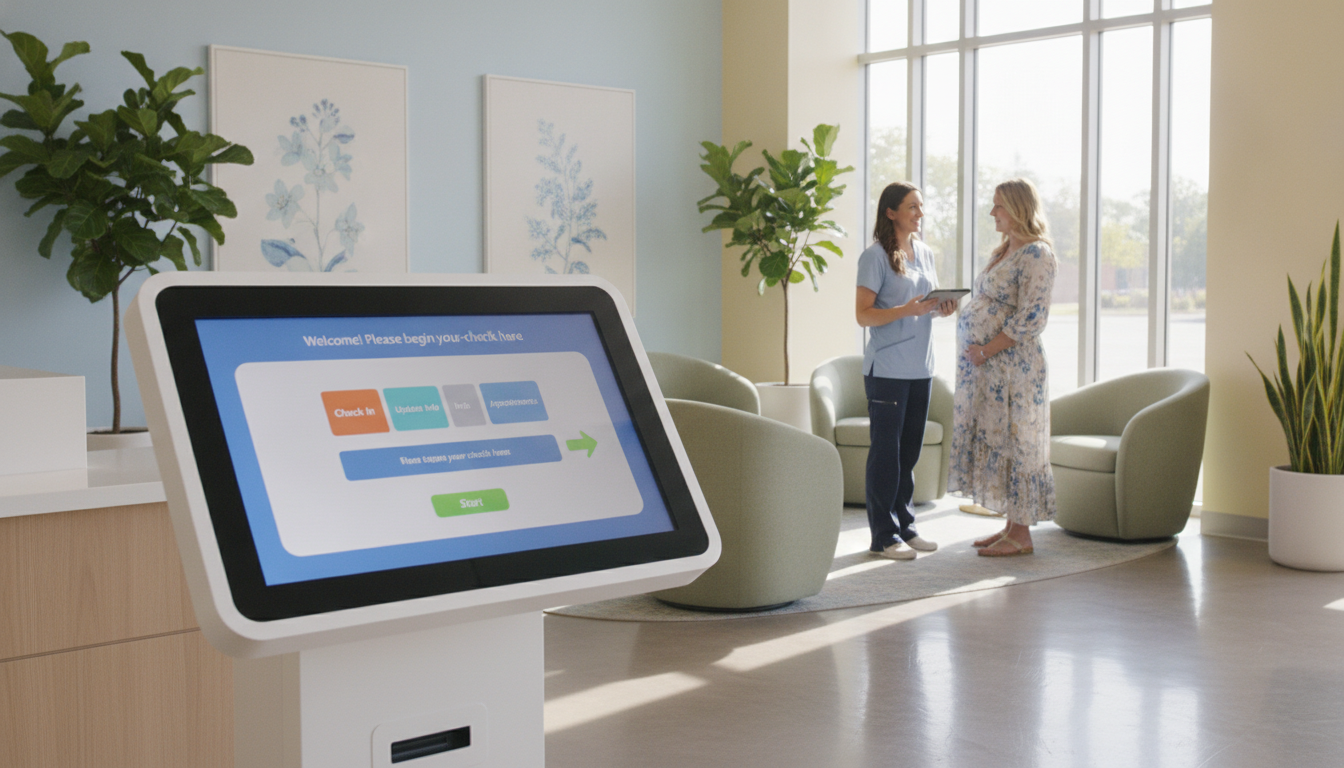
Can faster access to women’s care reduce stress for both patients and staff? For many offices, the answer begins with a smoother digital intake process.
A virtual check-in OB/GYN practice can help you manage symptoms and concerns before an office visit. Patients may discuss abnormal bleeding, PCOS, pelvic pain, menopause, fertility, birth control, or urinary concerns from home.
Maiden Lane Medical offers 24/7 telemedicine across New York State. Through the Healow app, your doctor can review non-emergency needs, guide your next appointment, and coordinate in-person care when needed. This approach supports a better patient experience without delaying important decisions.
Learn more in this patient check-in guide. For help today, call Total Medical Solution at (352) 516-3972, text the team, or email info@totalmedicalsolution.com. Support is available 24/7.
Key Takeaways
- Faster access to women’s care from home.
- Support for common symptoms and concerns.
- 24/7 telemedicine across New York State.
- Clear steps before an appointment.
- Help by phone, text, or email.
Virtual Check-In OB/GYN Practice Support for High Patient Volume
High patient volume can strain your front desk, especially during short 15–20-minute follow-up visits. A clear digital intake path helps your team sort requests before each appointment and reduce avoidable delays.
Reduce Waiting Room Delays and Front-Desk Pressure
Patients can schedule telehealth for medication concerns, abnormal bleeding, or birth control questions. Your staff can collect key symptoms and concerns before the video visit. This limits repeated calls and gives each provider useful details in less time.
Give Patients a Smoother Check-In Experience
Online access supports patients who face transportation issues, busy workdays, or mild illness. They can choose virtual visits through an online booking tool or by phone. This makes care easier to reach while helping your team control daily appointments.
Keep Your Providers Focused on Patient Care
Clear intake forms help providers prepare for results discussions, medication management, and other non-urgent needs. Maiden Lane Medical offers 24/7 telemedicine support. For technology help, call (352) 516-3972, text the team, or email info@totalmedicalsolution.com. You can also review ways to reduce patient wait times.
| Challenge | Digital support | Result |
|---|---|---|
| Busy phone lines | Online scheduling | Fewer repeated calls |
| Limited staff time | Structured intake | Better provider focus |
| Travel barriers | Telehealth access | More convenient care |
How Virtual Check-In Works for Your OB/GYN Practice
Your team can guide each patient from scheduling to a secure online visit with a clear, simple process. This approach supports faster care while giving your provider useful details about symptoms and concerns.
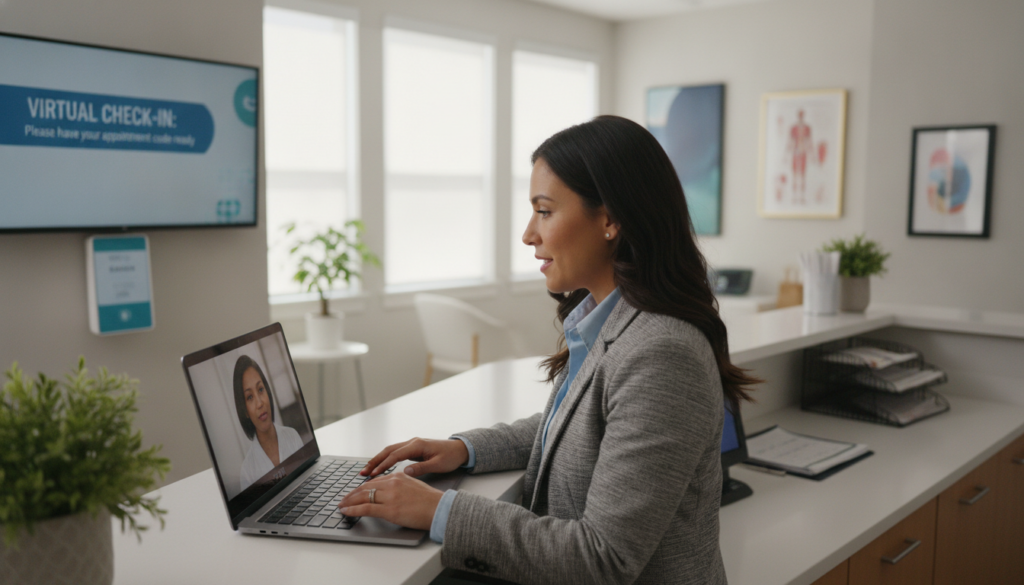
Patients open the Healow app on a smartphone, tablet, or computer with a camera. The appointment reminder email includes a direct secure link, so they can join without entering extra login information. For broader care planning, review this telehealth care model.
- Schedule the appointment and confirm the patient’s email.
- Send the reminder link and simple joining instructions.
- Ask the patient to allow camera and microphone access.
- Have the patient join from a private room with the door closed.
Before the doctor begins, make sure the connection, camera, and microphone work. Staff can also use medical assistant support to manage appointments and patient messages.
Call (352) 516-3972, text us, or email info@totalmedicalsolution.com. Support hours are available 24/7.
| Step | Patient action | Staff focus |
|---|---|---|
| Schedule | Select a visit | Confirm contact details |
| Prepare | Open the secure link | Check access settings |
| Join | Use a private room | Connect the provider |
Patient Check-In Across Smartphones, Tablets, and Computers
You can join a secure women’s health visit from a device you already use. Garden OB/GYN supports video care on a smartphone, tablet, or computer, so no special equipment is needed.
Secure Links for Video and Telehealth Visits
Healow sends a secure link before your scheduled appointment. Open it from your home and follow the prompts to enter the virtual visit. You can also review multi-location patient access support for added scheduling guidance.
Camera, Microphone, and Internet Readiness
Mobile users can install the myPrivia app on a smartphone or tablet. For a laptop or desktop computer, Google Chrome offers a dependable connection. Before your provider joins, make sure the camera and microphone permissions are active.
- Use a quiet, private space.
- Test your internet connection.
- Keep the device charged.
- Contact support if the link fails.
For help with visits, call (352) 516-3972, text the team, or email info@totalmedicalsolution.com. Support is available 24/7.
Appointments, Questions, and Care Coordination Made Easier
When a health question arises, you can reach the right clinician without adding another trip to your day. A short telehealth visit helps your provider review symptoms, concerns, and next steps before deciding if you need testing or an in-person appointment.
Support for Follow-Up Visits, Birth Control, and Results Review
Garden OB/GYN uses video visits for follow-up care, birth control guidance, results review, medication questions, and other non-urgent needs. Most appointments last 15–20 minutes. You can use the app to schedule a visit and keep your questions ready for the doctor.
Maiden Lane Medical also offers fertility consultations through telehealth. You may discuss past testing, irregular ovulation, hormonal changes, and family planning goals. The team can coordinate prescriptions, lab work, imaging, referrals, and long-term treatment.
- Review results and medication concerns.
- Discuss fertility and family planning.
- Connect virtual visits with in-person services.
For helpful questions to ask during a well-woman visit, read this well-woman exam guide. Call (352) 516-3972, text us, or email info@totalmedicalsolution.com. Support is available 24/7.
Benefits of Virtual Check-In for Patients and Providers
Better access can make women’s health care simpler for everyone. A telehealth visit may help you avoid commuting, parking fees, rideshare costs, subway trips, childcare, eldercare, and lost work time.
Patients can discuss symptoms, birth control, medication follow-up, abnormal bleeding, PCOS, menopause, pelvic pain, UTI symptoms, or results from home. A 15–20-minute appointment can fit around work and family duties. You also avoid sitting in a crowded waiting room.
HIPAA-compliant technology protects private communication and supports a consistent experience. Maiden Lane Medical connects video visits with in-person care when testing, examination, or additional treatment is needed. This approach supports quality care while giving you more control over your schedule.
For providers, digital intake can reduce avoidable administrative tasks. It leaves more time to assess patients, coordinate referrals, review results, and plan the next step. Learn more about digital patient check-in benefits.
Call (352) 516-3972, text us, or email info@totalmedicalsolution.com. Support hours are available 24/7.
Reliable Support for Scheduling, Technology, and Patient Access
Reliable help keeps care moving when schedules change or technology creates delays. You can compare digital check-in options and choose the process that best fits your patients and team.
Help Available Before and During Virtual Visits
Before your visit, support can help make sure your tablet, computer, app, camera, microphone, and internet connection work well. Staff can schedule an appointment, confirm symptoms, and explain whether telehealth or an office visit is the better next step.
“Clear support turns a technology barrier into a care connection.”
During video visits, help remains available if a patient cannot join or a provider needs assistance. This saves time and reduces stress for patients and providers.
Support for Practices Operating Around the Clock
Garden OB/GYN serves Garden City, Brooklyn, Commack, Queens, Lake Success, Massapequa, Manhattan, and Cedarhurst. Consistent workflows help each location manage appointments and access needs.
Call (352) 516-3972, text us, or email info@totalmedicalsolution.com. Total Medical Solution offers support 24/7.
Conclusion
Better access starts with a clear digital path. A streamlined intake process helps your OB/GYN practice manage demand, ease front-desk pressure, and create a smoother appointment experience.
Patients can use a smartphone, tablet, or computer for a secure virtual visit from a private location. Telehealth supports non-urgent symptoms, medication questions, results review, and follow-up visits. Your doctor can then connect needed testing, referrals, prescriptions, or in-person care.
Review telehealth guidance and explore medical assistant support for stronger workflows and quality service.
Call Total Medical Solution at (352) 516-3972, text the team, or email info@totalmedicalsolution.com today. Support is available 24/7.


