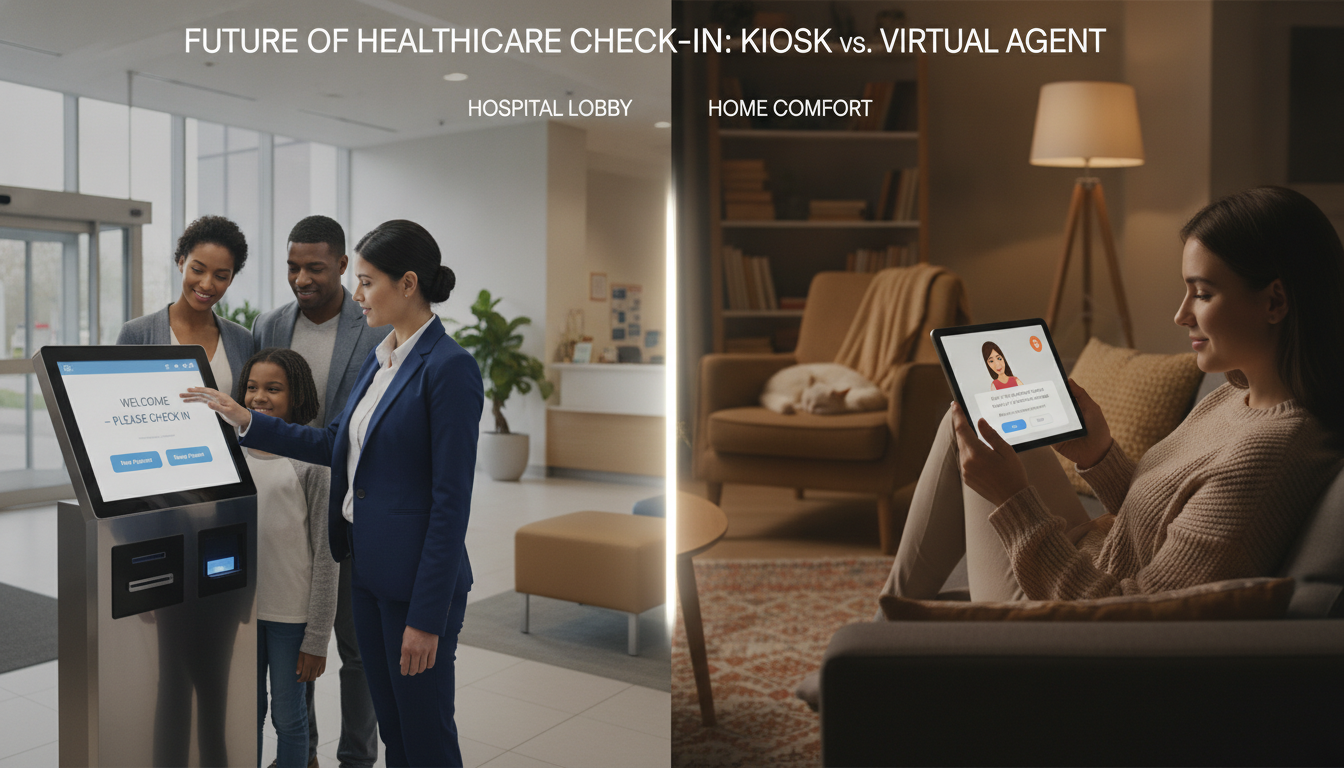
Did you know over 60% of patients want digital tools for quicker visits? This demand is pushing healthcare to find new ways to manage arrivals. Self-service kiosks and virtual agent check-in platforms are two solutions that make accessing care easier.
Self-service kiosks cut down on registration time by automating tasks. This frees staff to focus on more important things. Virtual agent check-in offers clear support without needing a device. Both aim to remove barriers and let you handle routine tasks on your own.
This article looks at how each approach meets today’s needs. It addresses the kiosk vs virtual check-in debate. It also shapes the future of patient convenience.
Key Takeaways
- Patients expect faster and simpler check-in methods.
- Self-service kiosks reduce lineups and wait times.
- Virtual agents offer personal guidance and remote access.
- Adopting both choices eases your staff’s daily workload.
- Choosing the right technology boosts patient satisfaction.
Overview of Patient Check-In Technologies
When you enter a medical facility, you might see digital solutions. These aim to cut down wait times and make signing in easier. The debate often focuses on tablet check-in versus live agent help. Each method caters to different patient needs and comfort levels.
Definition of Self-Service Kiosks
Kiosks are touchscreen or tablet devices that guide you through check-in. They let you enter your details on your own. This makes you feel more in control.
Definition of Virtual Agent Check-In
Virtual agents help with registration through voice or chat. They offer a personal touch, answering your questions about forms or benefits. This option provides advanced digital support.
Evolution of Patient Check-In Processes
Sign-in used to be all manual, with paper forms and staff help. Online portals and automated kiosks have changed this. Now, we have tablet check-in versus live agent options, showing a move towards better efficiency and choice.
Benefits of Self-Service Kiosks
These modern tools let you manage appointments and update your details easily. Many people compare patient check-in technology to find the best fit. Self-service kiosks offer direct interaction, letting you update your info at your own pace.
Enhancing Patient Autonomy
You can pick your own time slots and confirm your details without waiting. This makes you feel in control and confident about your health records.
Reducing Wait Times
Kiosks make check-in faster, reducing wait times in busy lobbies. They help staff focus on complex tasks. You feel less stressed when your arrival is quickly noted.
Streamlining Data Entry
Digital records are updated instantly, reducing errors. This makes care more efficient and reliable. It’s a key reason to choose a patient check-in technology that saves time and ensures accurate data.
Advantages of Virtual Agent Check-In
Virtual check-in offers a more personal experience than kiosks. It provides support that understands your needs and comfort. This makes the process feel efficient and caring.
Virtual platforms guide you with clear steps, not just menus. This helps you feel supported every step of the way.
Personalized Patient Interactions
Virtual agents talk to you directly, making things feel more friendly. You might see a chat interface that remembers you and your medical history. This thoughtful approach makes sessions smoother and less stressful.
24/7 Availability
Need to register at night or early in the morning? Virtual check-in is always there for you. It guides you step by step, anytime. This is great for those with busy schedules or mobility issues.
Integration with Health Management Systems
Virtual check-in makes sharing data easy. It connects with electronic records and scheduling systems. This means your info goes straight into hospital databases. Staff can then focus on more complex tasks while your check-in goes smoothly.
In the debate between kiosks and virtual check-in, virtual agents win. They offer a personal touch, better data sharing, and are available anytime.
Key Differences Between Kiosks and Virtual Check-Ins
Each platform has its own benefits. Some patients like a physical station, while others prefer online tools or personal help. The choice often depends on comfort and accessibility.
User Experience Comparison
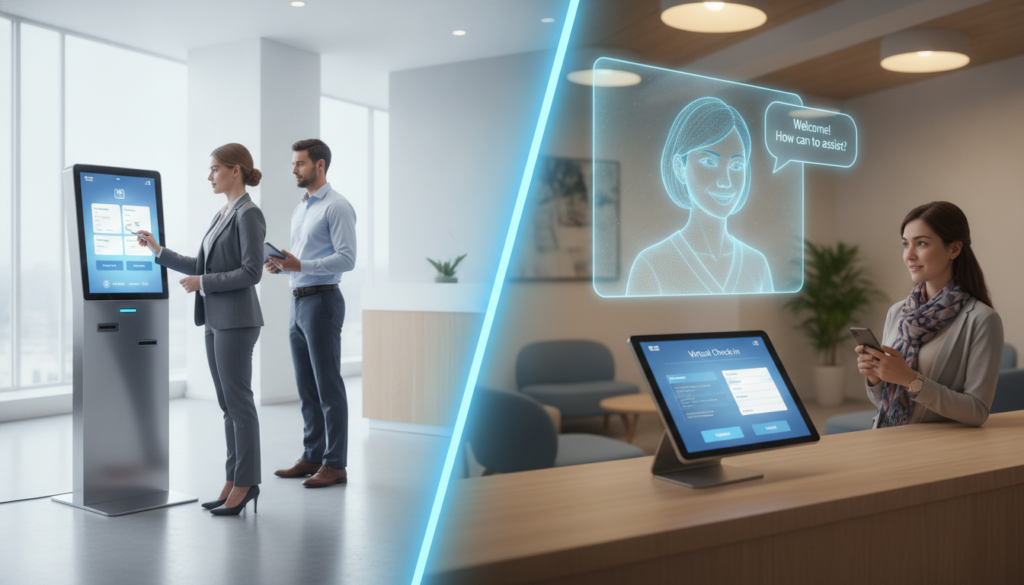
Kiosks and live agents offer different experiences. Kiosks have a touch-screen for on-site details. Virtual check-ins let you log in early, avoiding crowded areas. Your preference for staff and technology interaction matters.
Technological Requirements
Kiosks need hardware like devices and secure connections. Virtual systems require strong software and internet for remote use. Upgrading networks or adding features can improve patient flow. Check out this resource for more on digital kiosks.
Cost Implications for Healthcare Facilities
Kiosks require an initial purchase and maintenance costs. Virtual options have fewer physical needs but may have monthly fees or staffing costs. Your budget and patient needs should guide your choice.
Patient Demographics and Technology Acceptance
People of different ages have different feelings about patient check-in technology. Younger folks often love using smartphone apps. But, older adults might prefer using physical kiosks or getting help from staff.
Many patients want their healthcare to be as easy as other parts of their life. Simple designs and clear steps help your place serve all ages well.
Younger Patients and Tech Savviness
Young adults like things fast and easy. They enjoy using mobile apps for quick tasks. This makes them happy to book appointments or check their records online.
Older Patients and Accessibility Concerns
Some older folks might find new tech hard to use. Big fonts and easy-to-use designs help a lot. Having staff around can also help if they need help.
Impact of Socioeconomic Factors
Money and internet access play big roles. Without good internet, using online services is hard. So, having options for those without internet helps everyone.
| Age Range | Preferred Method | Main Reason |
|---|---|---|
| 18-35 | Virtual Agent | Speed and Efficiency |
| 36-60 | Hybrid Approach | Balance of Convenience and Guidance |
| 60+ | On-Site Kiosk | In-Person Assistance |
Security and Privacy Considerations
When picking between kiosk and virtual check-in, you want strong security. Keeping patient data safe builds trust right away. Encryption and access controls lower risks of unauthorized viewing.
Many places use hardware with shields or angled screens to hide your info. Keeping data safe is a constant job with many ways to get better. Regular checks and updates help avoid problems.
Data Protection for Kiosks
Your touchscreen needs secure software and physical barriers to block unwanted views. Strong firewalls and encryption protect sensitive fields.
Virtual Agent Security Measures
Real-time monitoring and multi-factor authentication fight off bad actors. Strong network protocols keep patient data safe.
Patient Trust and Technology
Telling patients how their data is handled can increase trust. This makes both kiosk and virtual check-in more accepted.
| Security Aspect | Kiosks | Virtual Agents |
|---|---|---|
| Access Control | Barrier Screens, Login Codes | Multi-Factor Authentication |
| Encryption | Secure Data Fields | SSL/TLS Protocols |
| Main Concern | Physical Tampering | Network Vulnerabilities |
Impact on Healthcare Staff
New technology changes how we work every day. It lets you spend more time on personal care. This is because routine tasks no longer take up all your time.
Many places look at tablet check-in vs live agent to see what works best. They want to know how to make things more efficient.
Staff Workload Reduction with Kiosks
Kiosks make signing in and updating insurance easy. This means you don’t have to do as much paperwork. It makes your job less stressful.
Role of Staff in Virtual Agent Interactions
Virtual agents help with simple questions. But, you’re needed for more complex issues. Your knowledge is important for these situations.
Training Needs for New Technologies
Learning new tools takes practice and training. Workshops can teach you how to use them. This helps you feel confident in your abilities.
Implementation Challenges
Many healthcare places hit roadblocks when they start new systems. You might face hardware problems, software bugs, and users who are slow to adapt. A good plan helps avoid delays and keeps staff focused on patients.
Technical Difficulties with Kiosks
Kiosks need regular checks and upkeep. If screens or printers fail, it messes up check-ins and annoys visitors. Good tech support and clear update plans keep them working well.
Limitations of Virtual Agents
Virtual tools need steady internet. Any hiccups or slow downs can slow down patient flow. Some people like talking to real people or find digital menus hard. A mix of both meets more needs and keeps people interested.
Patient Education and Adoption Strategies
Clear signs, simple guides, and test runs help users feel at ease. Let them try it out first. Feedback helps spot and fix issues quickly. Check out this resource for more on patient check-in tech and how to set it up right.
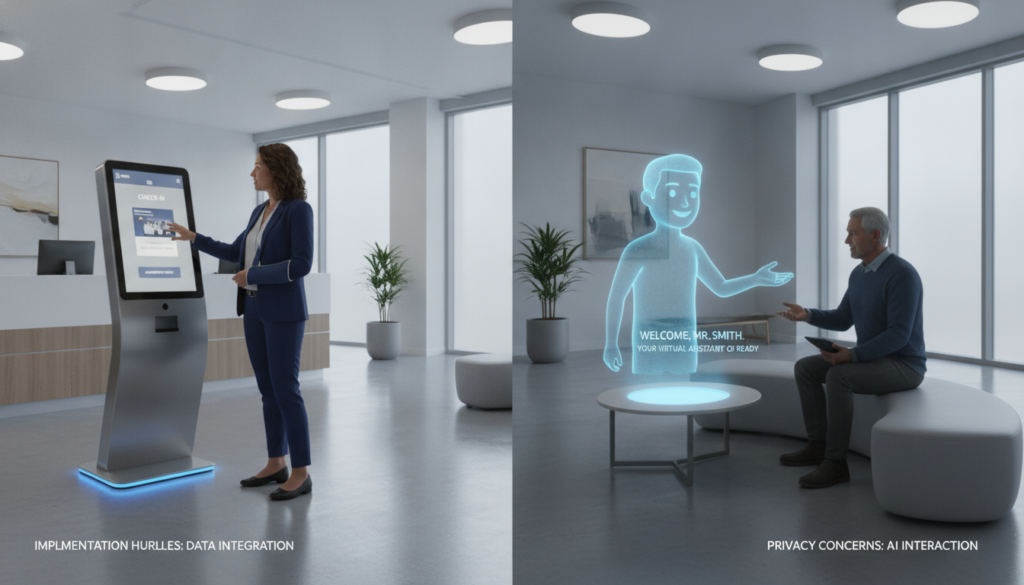
Training your team is key. They become important helpers. Their confidence makes it easier for everyone to adapt.
Case Studies: Successful Implementations
Real-world trials can teach your facility a lot. Some use self-service stations that guide visitors step by step. Others prefer remote consultations, where staff meet with patients on the move.
Clear goals and thorough training are key to success. These efforts power the success stories.
Hospitals Using Kiosks
Cleveland Clinic started using electronic kiosks at entry points. These kiosks save time by guiding patients through updates and insurance checks. Staff see less congestion at the front desk because patients fill out forms quickly on touchscreens.
Clinics Utilizing Virtual Agents
Mayo Clinic tested remote registration with language interpreters. People in rural areas got personalized help without needing to travel. This virtual help made them feel supported and confident during their visits.
Lessons Learned from Case Studies
It’s important to set clear goals before adopting new systems. A pilot phase helps find technical issues early. The debate between kiosks and virtual check-in continues, as both cut wait times and boost patient happiness.
Ongoing training is key to staff support and smooth transitions.
| Facility | Key Outcome |
|---|---|
| Cleveland Clinic | 30% drop in wait times |
| Mayo Clinic | Enhanced language support |
Future Trends in Patient Check-In Technologies
New digital tools are changing how we greet patients. There’s a big push for tablet check-in vs live agent methods. These use modern tech for quicker intake.
Advances in AI and Automation
Voice recognition and predictive text are making data entry better. Microsoft and Google use machine learning to find patterns. This cuts down on mistakes and lets staff focus on care.
Increased Personalization Options
Adaptive algorithms tailor each interaction to a patient’s history. Prompts change in real time to match each patient’s health needs. This aims to make registration smoother and boost patient happiness.
The Role of Telehealth Integration
Remote consultations are now part of digital check-ins. Patients can update symptoms, schedule visits, or get advice online. This cuts down on the need for in-person visits.
New tech will keep getting better. You’ll have chances to try out tablet check-in vs live agent again as they improve. Success will depend on clear data use and easy-to-use designs.
| Trend | Benefit |
|---|---|
| AI-Driven Triage | Faster sorting and reduced waiting |
| Biometric Logins | Enhanced security and easier access |
| Remote Check-In | Convenient scheduling from any device |
Patient Feedback: Kiosks vs. Virtual Agents
Have you wondered what others think about these new tools? Each story gives us a peek into how kiosks and virtual agents work. This helps us figure out which one is right for us.
Many like things easy to use. Some like the simple touch screens. Others prefer talking to a virtual helper that speaks many languages.
Survey Results on Patient Preferences
Younger folks often like virtual agents more. But, kiosks also get a lot of support. This shows that both have their fans across different ages.
Patient Satisfaction Metrics
Places that use both see better scores. They have fewer mistakes and less waiting. This makes everyone happier.
Testimonials and Real-World Experiences
Cleveland Clinic leaders say they get better feedback. People say these tools save time and reduce stress. Your opinions help make these tools better for everyone.
Conclusion and Recommendations
Choosing between kiosk and virtual check-in depends on your needs. Think about time, budget, and how you interact with patients. A good system balances different needs and keeps patients trusting you.
Choosing the Right Technology for Your Facility
Some people like quick, self-service options. Others want help from digital agents. Know your patients and pick technology that fits your workflow. Listening to feedback helps your team improve.
Balancing Convenience and Personal Interaction
Self-service lets staff focus on personal care. This builds loyalty, as it shows you care about each patient. A good mix of automation and communication makes patients feel supported.
Future-Proofing Patient Check-In Processes
Healthcare tech is always changing. Choose systems that work with electronic health records and telehealth. This prepares you for the future and keeps patients happy.


