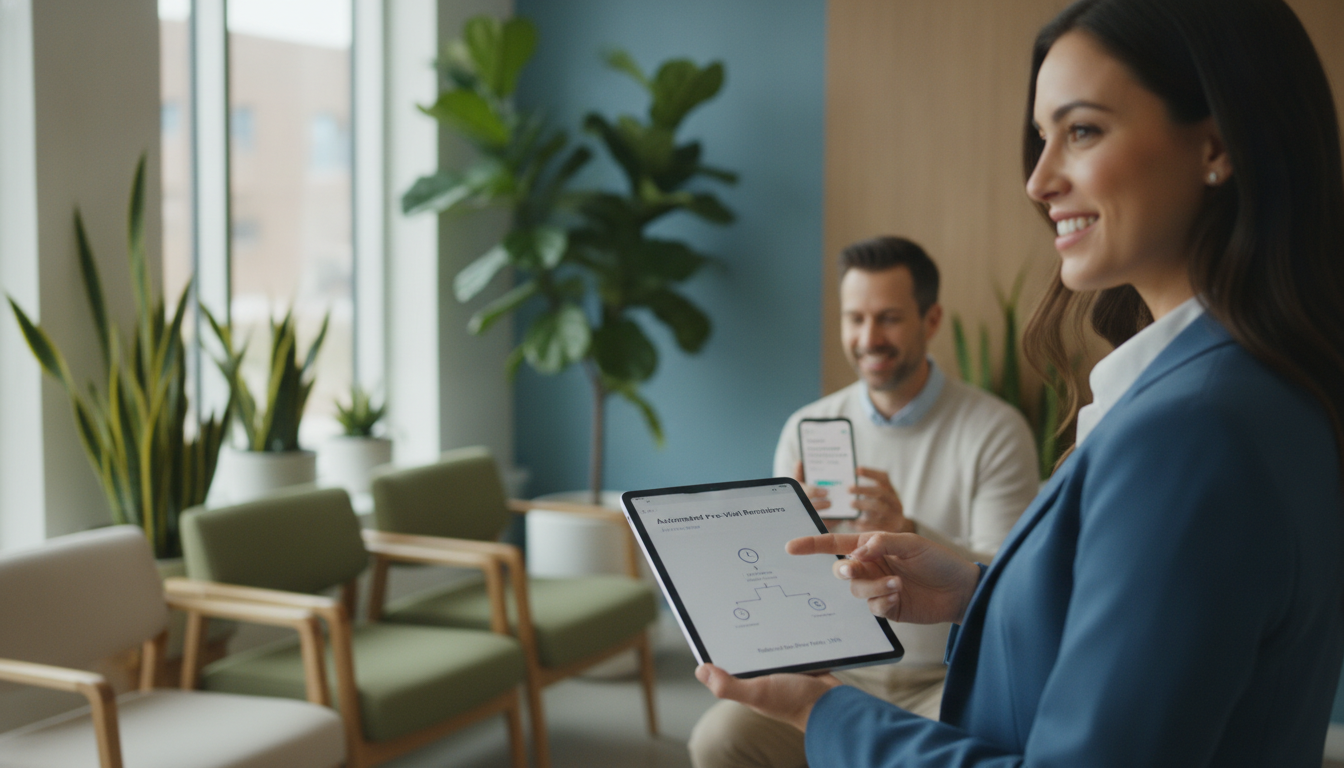
In the United States, some doctors see up to half of their appointments missed. This wastes resources and affects the care you give. Automated reminders can help keep patients on track and reduce no-shows.
Missed appointments cause scheduling problems, lost money, and gaps in care. Automated texts, calls, or emails can cut these rates by nearly 40%. This means fewer empty slots for everyone, from big hospitals to small clinics.
Busy lives, transportation issues, and forgetting can lead to missed appointments. Sending timely reminders helps patients remember and attend their appointments. This method strengthens your connection with patients and keeps your schedule full.
Key Takeaways
- Rates of missed appointments can range as high as 50% in some specialties.
- Automated messages trim scheduling gaps and support patient compliance.
- Timed reminders encourage individuals to plan ahead and keep appointments.
- Practices benefit from smoother workflows and efficient patient communication.
- Even small clinics see quick gains when they adopt reminder solutions.
Understanding the No-Show Problem in Healthcare
Many patient appointments are unattended every day. You might see this in your own clinic. Studies show about 23% of U.S. outpatient visits are missed. Each missed visit can cost $150–$300.
A no-show is when a patient doesn’t show up or cancel early. This problem is common in many specialties. It causes delays for others who need care right away.
Definition of No-Show in Medical Context
A no-show means a missed chance to provide care. It often happens because of forgotten reminders or not understanding the appointment’s importance.
Impact on Healthcare Providers
Staff deal with last-minute calls and rescheduling. Clinics lose money and miss chances to help others. It’s urgent to find ways to reduce no-shows.
| No-Show Rate | Per Appointment Cost |
|---|---|
| 23% | $150–$300 |
Patient Perspectives on Appointments
Forgetting an appointment or lacking transport are common reasons for no-shows. Some might not see the value in routine exams. These issues affect care access and show the need for better reminders.
The Role of Automated Reminders in Healthcare
Automated reminders help you reach patients on time before their appointments. They connect with your scheduling system. This sends precise prompts to reduce no-shows.
Integration is key for clinics in the United States. You manage schedules with practice management software. Reminders sync with patient data, improving engagement and workflow.
What Are Automated Pre-Visit Reminders?
They are messages sent by text or phone, known as pre-visit reminder calls. You set them up early, so patients get reminders of their upcoming visits. These reminders help prevent missed sessions.
How Do They Function?
They tap into your electronic records. Patients get notifications 72 hours, 24 hours, or 2 hours before their visit. This lets you confirm or adjust schedules as needed.
Technology Behind Reminder Systems
Most systems use automated dialing, SMS gateways, and dashboards. They allow for two-way communication. This makes it easy to confirm or reschedule appointments, improving patient satisfaction and reducing costs.
| Reminder Interval | Key Advantage |
|---|---|
| 72 hours | Avoid unexpected schedule changes |
| 24 hours | Secure fast confirmation |
| 2 hours | Prevent last-minute no-shows |
Benefits of Implementing Automated Reminders
Automated reminders help your practice a lot. They can make patients show up more often. Studies say missed visits can go down by 38–58% with reminders by SMS, email, and digital forms.
These reminders help you share important details. They guide patients on what to do next.
Decreased No-Show Rates
Clear reminders help avoid last-minute cancellations. This keeps your schedule full and steady.
Improved Patient Engagement
Patients feel valued with these reminders. This makes them more likely to keep their appointments.
Enhanced Practice Efficiency
Your team saves time on manual calls. They can focus on helping patients in the office. This makes everyone happier and improves how things run.
| Key Benefit | Positive Outcome |
|---|---|
| Fewer Missed Appointments | Better use of staff hours and resources |
| Higher Satisfaction | Stronger trust between patients and providers |
| Streamlined Workflow | Reduced administrative burden on employees |
Types of Automated Reminder Systems
Using different ways to send reminders can help a lot. Each method has its own benefits and fits what patients like. Putting reminders in front of people helps build trust and cuts down on missed appointments.
SMS text alerts have high open rates, around 90–95%. Twilio is known for fast and reliable messages. Email lets you share more, like forms or instructions. Mailchimp helps send these emails at the best time.
Automated voice calls are great for those who are older or not as tech-savvy. RingCentral makes sure everyone can hear your reminder, even without a smartphone.
Using many channels at once makes your reminders stronger. This way, you reach more people, build loyalty, and lower no-show rates in the U.S.
Best Practices for Effective Reminder Strategies
Improving appointment management starts with a focused plan. You need strategies that engage patients and reduce no-show rate healthcare. Small details, such as timing and personalization, shape a more dependable schedule.
Sending at least two reminders, spaced across different days, helps patients feel prepared. Evidence suggests three quick touches—around 72 hours, 24 hours, and on the morning of the visit—keep attendance high.
Timing of Reminders
Scheduling appointment alerts with enough lead time gives patients the breathing room they need to plan. Clear and consistent reminders motivate individuals to confirm and show up.
Personalization of Messages
People respond better when messages use their names and reference visit details. This extra human touch prompts them to confirm and shows you value their presence.
Multi-channel Approaches
Patients have diverse preferences for communication. Text messages suit some, while phone calls or emails may resonate with others. By using multiple channels, you can close communication gaps and help reduce no-show rate healthcare across age groups.
| Reminder Timing | Personalization Focus | Channel Options |
|---|---|---|
| 72 Hours | Patient Name | Text or Email |
| 24 Hours | Provider Details | Voice Call |
| Same Day | Appointment Info | Any Preferred |
Case Studies: Successful Implementation of Reminders
Real-world examples show what works best. They show how focused strategies help reduce no-show rates and make appointments smoother.
Hospital A’s Experience
Hospital A started sending text alerts 72 hours, 24 hours, and 2 hours before appointments. Each message had a link to reschedule. This cut no-shows by 40% and freed up time for others.
Clinic B’s Strategies
Clinic B used voice calls for seniors who liked talking to a friendly voice. They also had links for pre-visit intake and a clear policy on missed visits. This boosted confirmed appointments and staff morale.
Key Takeaways from Successful Cases
Offering an easy way to reschedule helps patients respond quickly. Timing reminders right lets them plan better. A mix of strategies reduces no-shows by removing obstacles.
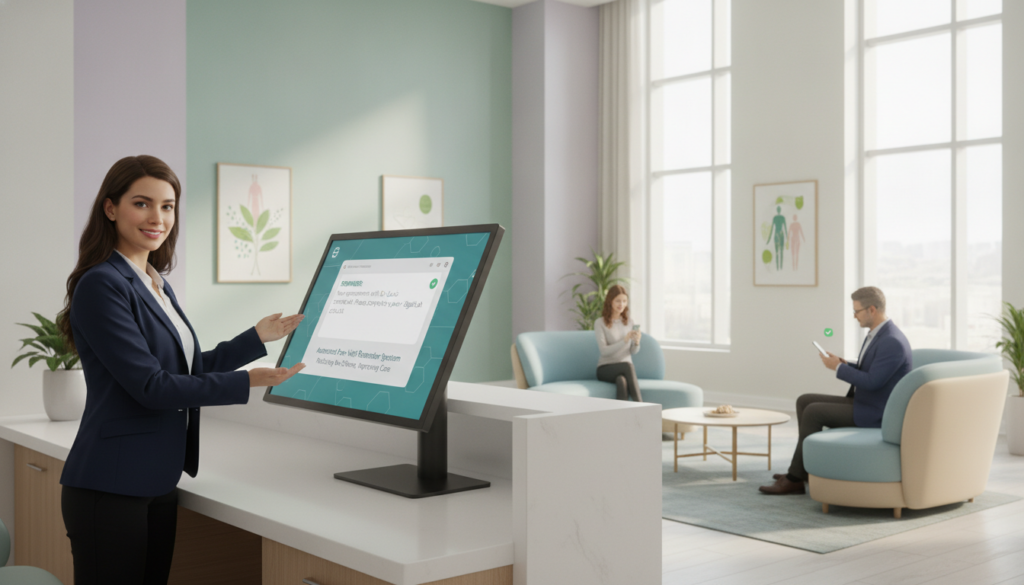
| Implementation | Tip | Outcome |
|---|---|---|
| Hospital A | Targeted text reminders | Marked decline in missed visits |
| Clinic B | Voice calls + clear policy | Greater appointment confirmations |
Measuring the Success of Reminder Systems
Looking at numbers gives you a clear view of your scheduling plan. By tracking monthly no-shows, you find out where people are missing appointments. This helps you make better choices to lower no-show rates in healthcare.
Patterns might show up on certain days or with specific doctors. This information helps you find the best ways to fix the problem.
Metrics to Track No-Show Rates
Begin by counting missed appointments each week and month. Keep track of how many patients confirm their visits and how many actually show up. This data helps you tweak when and how you send reminders.
Adding a link to a digital tool in messages can also help. It makes it easier for patients to respond.
Patient Feedback and Satisfaction
Quick surveys and simple responses give you straight answers about reminders. Happy patients mean fewer missed visits and smoother operations. Trust is key to better attendance.
Operational Efficiency Indicators
Watch how staff workload, call volume, and rescheduling rates change. If these numbers go down, your reminders are saving time and money. Turning these numbers into financial reports shows how effective your reminders are.
| Metric | Benefit |
|---|---|
| No-Show Rate | Reveals scheduling gaps and drives targeted improvements |
| Patient Feedback | Offers direct insight into experience and satisfaction |
| Staff Workload | Highlights where efficiency gains are most visible |
Overcoming Barriers to Adoption
Adopting automated reminders can change how you schedule appointments. Many practices struggle with old software that only sends data once a day. This delay makes it hard to send timely reminders and lower no-show rates.
Testing your systems early is key. It makes sure your scheduler sends updates in real-time with little hassle.
Technological Challenges
It’s important to send data in real-time. You want each appointment to update your reminder platform right away. Regular software checks and updates keep your system running smoothly.
This helps avoid missed alerts and saves staff time.
Staff Training and Involvement
Your team’s confidence in automated reminders is key. Give them simple tutorials and quick guides. A place to share feedback and tips helps everyone work better together.
Addressing Patient Concerns
Privacy is a big deal in health messages. Tell patients their data is safe. Let them choose how they want to be contacted.
| Barrier | Solution |
|---|---|
| Outdated Systems | Upgrade or integrate platforms for real-time sync |
| Uncertain Staff | Offer clear training and involve teams early |
| Patient Hesitation | Explain strict privacy measures and communication options |
The Future of Appointment Reminders in Healthcare
Health clinics are changing how they talk to patients. New digital tools aim to cut down on missed appointments. They use automation and personal messages to help.
Trends in Patient Communication
People want to use apps or chatbots for easy rescheduling. They like quick, clear messages that fit their busy lives. Friendly reminders help patients confirm or change appointments easily.
Innovations in Reminder Technologies
AI systems use past data to send reminders at the right time. They try to guess who needs more reminders. This helps reduce missed appointments, as shown in recent studies.
Predictions for Healthcare No-Show Rates
Using electronic health records could make things even better. Real-time data helps find who might miss appointments. Experts think this will lead to better care and happier patients.
| Emerging Feature | Impact | Example |
|---|---|---|
| AI Scheduling | Streamlined Booking | Epic’s MyChart Tools |
| Automated Rescheduling | Instant Appointment Changes | Cerner’s Portal Solutions |
| Predictive Analytics | Reduced No-Shows | Athenahealth’s Data Insights |
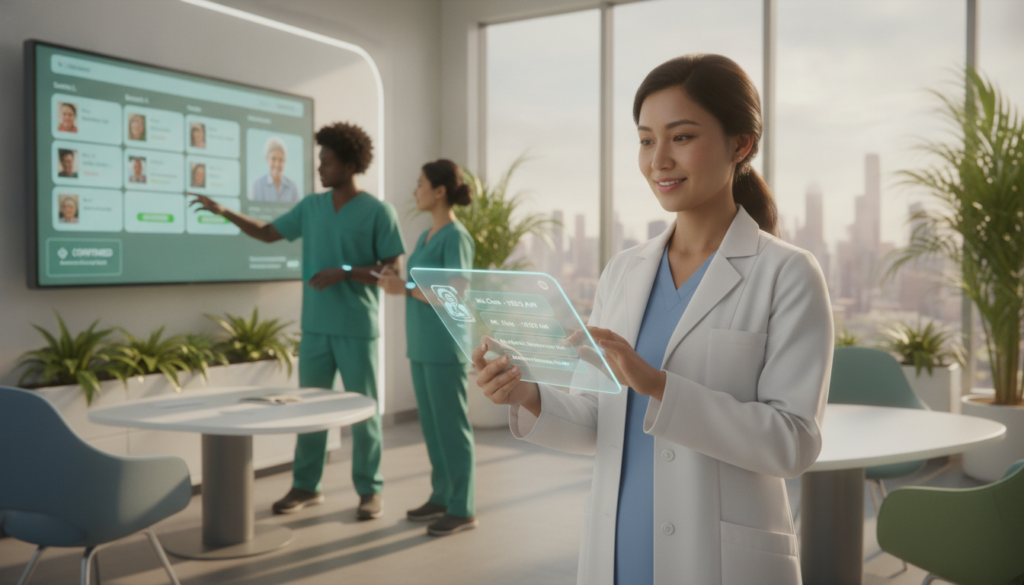
Alternatives to Automated Reminders
Looking for other ways to cut down on no-shows? Some like talking directly to patients, while others mix tech with personal touch. These methods can help lower no-show rates, even without full automation.
Manual Reminder Systems
Phone calls offer a personal touch and trust. Patients can ask questions right away. But, calls cost $3–$5 each and reaching everyone can be hard.
Hybrid Approaches
Try mixing tech with personal contact. Use automated texts for routine reminders. Then, staff can focus on high-risk patients. This saves time and boosts patient engagement.
Other Engagement Strategies
Online check-in, telehealth, and ride-share programs help too. They don’t need a lot of resources. These options keep patients engaged and on schedule.
| Approach | Pros | Cons |
|---|---|---|
| Manual | Personal touch | Labor-intensive |
| Hybrid | Efficient balance | Needs coordination |
| Other Strategies | Flexible solutions | Varied adoption rates |
Conclusion: Transforming Healthcare Appointments
You have the power to make patient visits smoother and your practice stronger. Automated reminders can cut missed visits by up to 40%. This means less wasted time and more chances for timely care.
A good reminder system makes it easy for patients to show up. It helps lower the no-show rate in healthcare.
Summary of Key Benefits
Patients stay on schedule, leading to more visits and less stress. Your work stays efficient, giving you more time for quality care. A consistent reminder plan also makes patients happier and more loyal.
Call to Action for Healthcare Providers
Look at your current reminders and see where you can improve. Think about working with software like Epic or Zocdoc. Using text and email reminders can make things easier and keep patients interested.
Final Thoughts on Reducing No-Show Rates
Being proactive in patient communication can change your workflow for the better. It encourages patients to be more involved in their care. When you lower no-show rates, you see better revenue, happier patients, and a successful practice.


