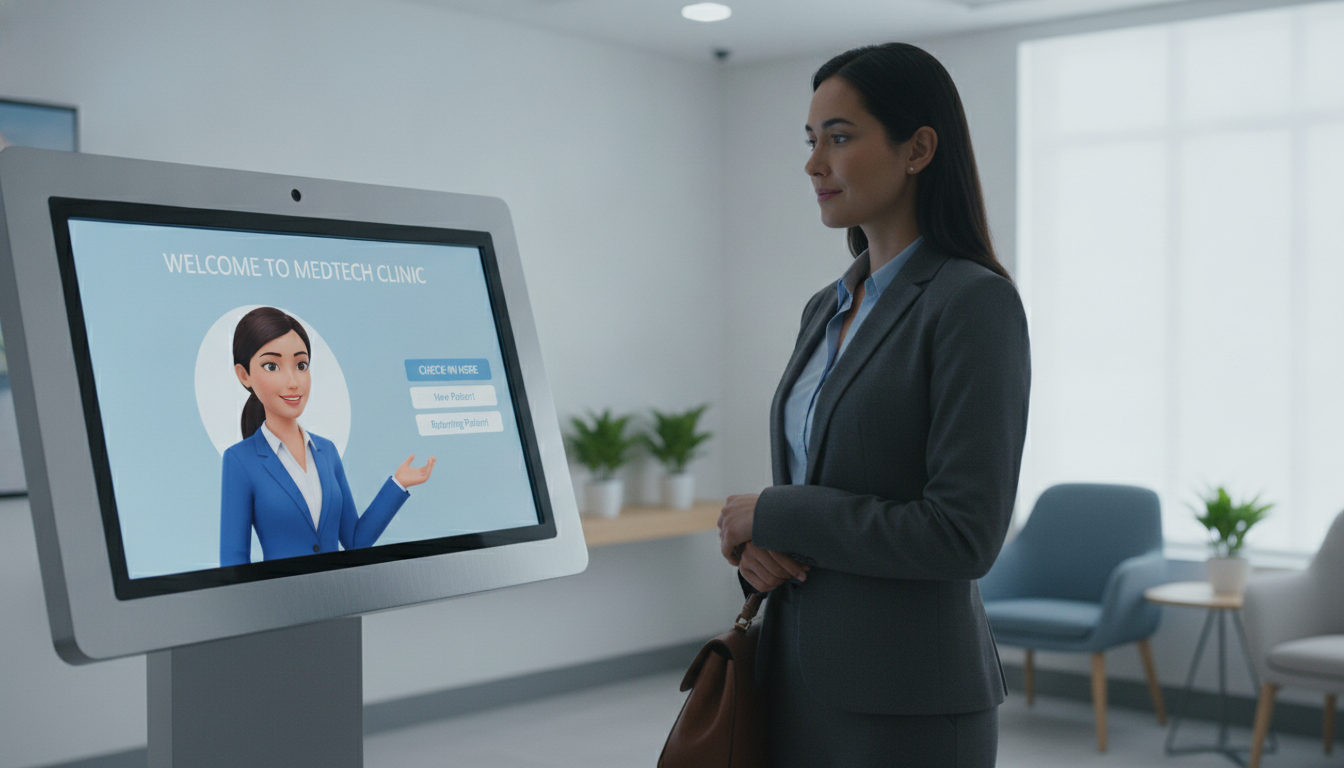
What happens when your office misses an urgent call after the front desk closes? Patient trust depends on more than friendly service. It also relies on confidentiality, clear communication, and support that works when your team is away.
About 74% of patients prefer speaking with a real person when they contact a doctor’s office. That preference can shape the entire experience at your practice. For example, a cardiology patient called at 5:20 p.m. with a referral for an abnormal EKG. The office had closed at 5:00 p.m., leaving the caller unsure about the next step.
A reputable receptionist service can answer calls around the clock, including holidays, without replacing your provider’s clinical judgment. It should follow HIPAA safeguards, use trained receptionists, and limit access to authorized staff. This article explores security controls, appointment workflows, phone support, and reliable after-hours coverage. You can also review secure online check-in workflows for a broader look at modern healthcare support.
Key Takeaways
- Confidential handling supports patient trust.
- Real-person support can improve the patient experience.
- After-hours coverage helps protect timely communication.
- HIPAA controls should guide every call and appointment.
- Technology supports care teams but does not replace clinical oversight.
Why Patient Trust in Virtual Receptionist Data Matters
Privacy and prompt communication shape how people view your healthcare practice. When a receptionist records names, insurance details, referrals, symptoms, or appointment preferences, each detail needs careful handling. Clear privacy steps help you protect confidence from the first call.
How Confidentiality Shapes the Patient Experience
About 74% of patients prefer speaking with a real person when contacting a doctor’s office. A compassionate answering service can make that exchange feel calm and respectful. Your staff should explain why information is needed and limit access to approved team members.
Why Missed Calls Can Weaken Trust and Satisfaction
Long waits can make your front desk seem unavailable. Peninsula Orthopaedic Associates recorded hold times of 90 minutes. After its wait dropped to seconds, call abandonment fell by 75%.
Some clinics report more than 50% of incoming calls reaching voicemail. That pattern may leave callers unsure about support or follow-up. Fast, courteous responses show that your practice is ready to help.
| Call issue | Reported result | Effect on service |
|---|---|---|
| 90-minute hold | Extended delay | Weaker caller experience |
| Seconds-long hold | 75% fewer abandoned calls | Stronger access |
| Over 50% voicemail | Many unanswered calls | Lower satisfaction |
What a Virtual Receptionist Handles for Your Healthcare Practice
Your phone workflow can do more than take messages. A virtual receptionist can support daily access while your care team focuses on clinical work.
Appointment Scheduling, Intake, and Call Routing
A virtual medical receptionist can schedule, reschedule, cancel, and confirm appointments. The service can also collect intake, insurance, and referral details, then update your EHR or PMS system. Clear scripts help every caller receive consistent answers from the first call.
- Routes calls to the right provider or team
- Records complete messages for follow-up
- Supports appointments during busy periods
- Reduces routine tasks for front-office staff
After-Hours Support and Urgent Call Escalation
After-hours answering keeps your practice available beyond the front desk schedule. SENTA Partners recovered over 250 staff hours each month and gained $1.3 million in appointment revenue after improving coverage. Barrington Orthopedic Specialists also stopped losing 2,090 calls per month.
Because front-office turnover can reach 40% each year, standardized workflows reduce knowledge gaps. A virtual medical team can identify urgent concerns, route them to the proper provider, and complete a warm handoff with useful context.
How HIPAA Safeguards Protect Patient Information
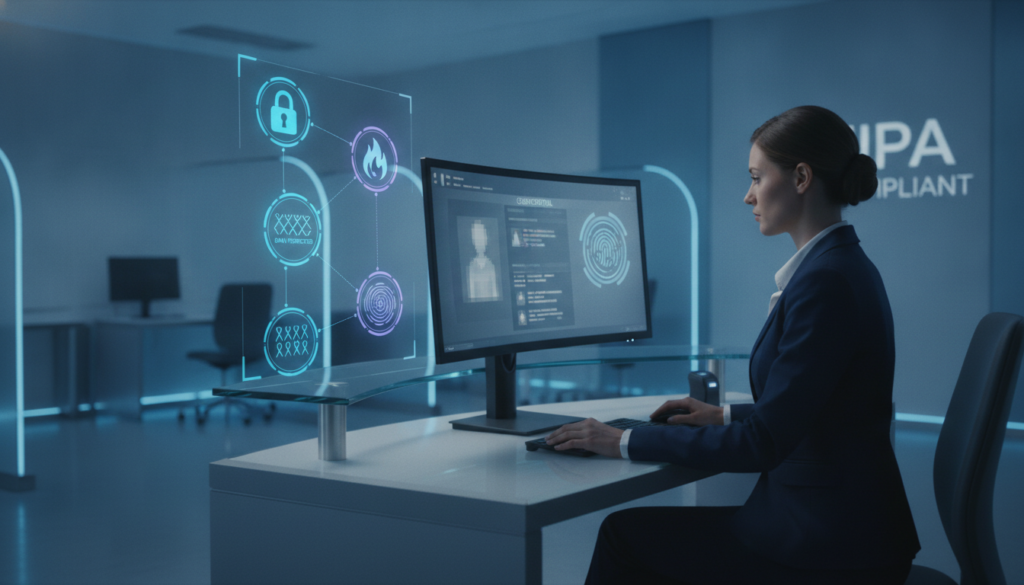
HIPAA sets national standards for protecting sensitive information in healthcare. Your practice must apply these rules when a virtual receptionist or outside service handles patient details. Strong safeguards protect privacy and support patient trust.
Secure Data Transmission and Encrypted Communication
Encryption helps shield patient data during calls, emails, messages, and appointment updates. Secure systems reduce the chance of unauthorized exposure. You can review this HIPAA-compliant call support for added guidance.
Access Controls, Audit Trails, and Documentation
Role-based access allows only approved staff to view or change records. Audit trails show who opened information and when. A virtual receptionist should also follow written procedures for identity checks, message handling, and record updates.
- Use unique logins and strong passwords.
- Record access and system changes.
- Limit permissions by job role.
Ongoing Compliance Monitoring and Privacy Audits
HIPAA compliance requires regular review, not a one-time check. Audits can reveal weak settings, training gaps, or unsafe workflows. Noncompliance may bring financial penalties and harm your reputation. Explore HIPAA training for medical assistants to help your team maintain secure service standards.
Training Virtual Receptionists for Sensitive Patient Interactions
Skillful phone support begins with preparation, not software alone. WellReceived trains each virtual receptionist in HIPAA rules, healthcare terms, communication standards, and patient sensitivity. This foundation helps your practice create a calm, consistent experience.
Healthcare Communication and HIPAA Training
Training teaches receptionists how to verify identity, protect private information, and route concerns correctly. WellReceived also uses call recording to review accuracy, tone, and consistency. Managers can address small issues before they affect patients or your staff.
Custom scripts help your team share approved details in your preferred tone. They support reliable scheduling, referral handling, and follow-up without making every interaction sound rigid. For more ideas, explore patient communication guidance and healthcare staffing savings.
Empathy, Accuracy, and Professional Call Handling
A concerned caller needs patience and clear answers. Receptionists should listen closely, explain the next step, and show empathy during sensitive conversations. However, administrative training does not permit a virtual receptionist to diagnose conditions or replace your care team.
Who Can Access Your Patient Data?
Clear permission rules show who may view, update, or share health information. HIPAA requires covered entities and service partners to limit access to protected health information. Your practice should review these rules before a new office support service handles calls.
Role-Based Permissions for Receptionist Teams and Providers
A receptionist needs only the details required for scheduling, intake, or documented call handling. Providers and approved clinical staff need broader access within your healthcare system. This separation helps keep clinical notes away from administrative teams.
Ask how the service records each exchange. Detailed communication logs can support compliance reviews and incident investigations. Caller authentication also helps prevent an unauthorized person from receiving appointment, referral, or health information. For larger offices, multi-location check-in workflows can support consistent rules across sites.
“Access should match the work a person performs.”
- Verify identity before sharing information.
- Limit permissions by job role.
- Review logs and remove outdated accounts.
| Team member | Typical access | Main safeguard |
|---|---|---|
| Receptionist | Scheduling and messages | Role-based permissions |
| Provider | Clinical records | Secure login |
| Authorized staff | Assigned workflows | Audit review |
Can Patients Trust Virtual Receptionists as Much as Front Desk Staff?
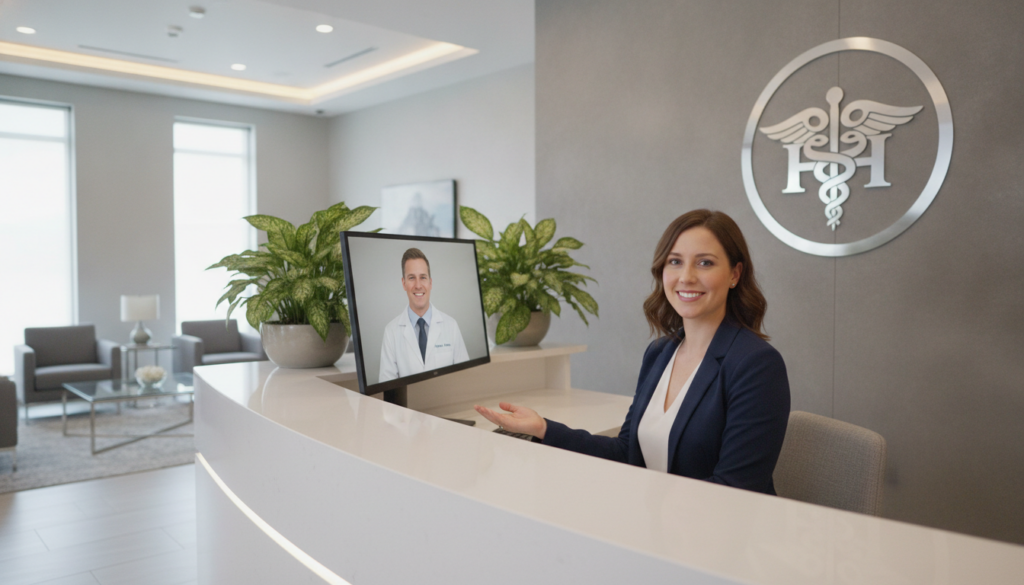
A familiar voice can matter as much as a fast answer when someone calls your clinic. A virtual receptionist can provide steady coverage, while your in-house team offers clinical judgment and personal familiarity. The best model combines both strengths.
Consistency, Availability, and Human Support
Patients still value human contact. In fact, 74% prefer speaking with a real person when they contact a doctor’s office. Trained receptionists can answer calls, schedule appointments, and use a warm tone during every interaction.
Results also show measurable gains. Assort Health reports a 4.3 out of 5 satisfaction score across more than 300,000 ratings. Chesapeake Health Care increased its score from 2.6 to 4.4 after extending support beyond normal hours. Review reliable medical answering services for more context.
When a Call Should Reach Your In-House Team
Warm handoffs work best for clinical concerns, complex scheduling, or emotional conversations. Your provider or care team can then respond with proper context. This approach protects confidence without slowing service. For small practices, medical assistant support can also strengthen staffing.
| Need | Best support | Reason |
|---|---|---|
| Routine appointment | Receptionist service | Fast scheduling |
| Clinical concern | In-house provider | Qualified guidance |
| Emotional interaction | Warm handoff | Personal care |
How to Evaluate a HIPAA-Compliant Virtual Receptionist Service
Choosing the right phone partner requires more than a polished sales demo. Review security, workflow fit, and support quality before your practice signs an agreement.
Questions About Vendor Security and Data Practices
Ask about encryption, audit logs, caller authentication, breach response, model training, and subcontractor access. Confirm that the service limits information by role and documents every access event.
- Request proof of HIPAA controls and staff training.
- Ask whether patient data trains automated tools.
- Review breach notices and access procedures.
Integration With Your EHR and Scheduling System
Test real appointment tasks inside your system. Assort Health connects with Epic, athenahealth, ModMed, eClinicalWorks, Oracle Health, and more than 20 EHR and PMS platforms. Production-style tests should cover payer rules, referrals, specialty routing, and appointment logic.
Warm Handoffs, Call Reviews, and Training
A strong service preserves conversation context during a warm handoff. Your staff can then help without asking callers to repeat key details. Assort Health typically deploys tailored virtual medical agents in six weeks, while some practices see value within three weeks. Its agents draw on more than 125 million interactions across 20 specialties.
| Review area | What to test | Desired result |
|---|---|---|
| Security | Encryption and audit logs | Controlled access |
| Integration | Scheduling and referrals | Accurate updates |
| Handoff | Context and call quality | Smoother support |
Contact Total Medical Solution for 24/7 Support
Choosing dependable phone coverage starts with a clear conversation. Total Medical Solution helps healthcare practices review answering needs, privacy goals, and daily workflows. You can learn more through the Total Medical Solution website or explore its medical assistant services.
Call (352) 516-3972 to discuss coverage for your office. A specialist can review appointment requests, escalation rules, access levels, staff training, and patient satisfaction goals.
Text Me for Assistance
Use “Text Me” when a phone call is not convenient. This option gives you a simple way to ask questions during busy office hours.
Email Us: info@totalmedicalsolution.com
Providers and practice managers can email info@totalmedicalsolution.com about services, implementation, or secure handling of patient information.
Support Hours Available 24/7
Support remains available 24/7, including evenings, weekends, and holidays. That steady access helps your team respond to calls beyond traditional desk hours.
“Better access begins with a clear next step.”
- Call to discuss your coverage needs.
- Text Me for quick assistance.
- Email questions about services and implementation.
Conclusion
Patients can feel confident when a virtual receptionist follows HIPAA safeguards, receives proper training, and uses clear access rules. Accurate notes and secure call handling protect private information while giving providers and staff more time for direct care.
For complex concerns or sensitive conversations, warm handoffs should connect callers with your in-house provider. Reliable appointments, consistent communication, and 24/7 coverage can strengthen the patient experience, satisfaction, and long-term trust. Your practice should review vendor security, system integration, staff training, audit methods, and escalation steps before choosing a service. Consider secure insurance verification at check-in to support smoother visits and clearer expectations.
Ready to improve access? Contact Total Medical Solution at (352) 516-3972, send a text, or email info@totalmedicalsolution.com. Better support helps healthcare practices deliver timely care and stronger patient satisfaction.


