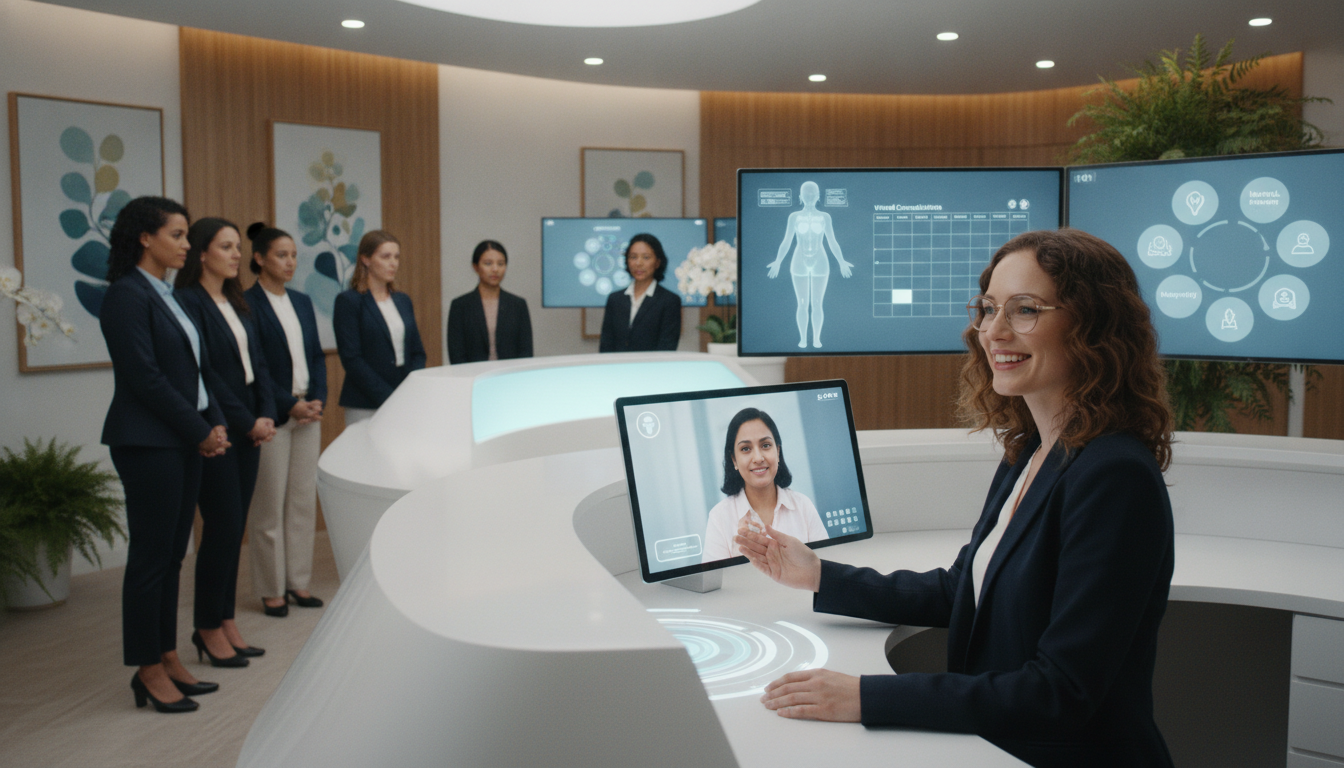
What if patients could receive prompt help after your regular office closes, without pulling your clinical team away from care? A virtual front desk women’s health network helps extend access beyond Monday through Friday, 8:00 a.m. to 4:00 p.m. business hours.
Your practice can offer responsive support for scheduling, messages, records, routine gynecology, obstetrics, and telehealth questions. This model also supports women healthcare organizations serving women through every stage of life. Your team stays focused on safe, personal care while administrative needs move forward.
For information, call (352) 516-3972, text us, or email info@totalmedicalsolution.com. Support is available 24 hours a day, 7 days a week. Urgent concerns still require proper medical evaluation. The service organizes communication and next steps. Non-urgent after-hours requests may carry a $25 fee that insurance does not cover. Learn more about telehealth administrative support.
Key Takeaways
- Extend access beyond normal office hours.
- Keep clinical staff focused on patients.
- Support scheduling, messages, and telehealth inquiries.
- Reach women across every stage of life.
- Connect by phone, text, or email at any time.
- Route urgent concerns to appropriate medical evaluation.
How a Virtual front desk women’s health network Expands Patient Access
Patients can request help after Central Scheduling closes, even when your business hours end. This added access gives your team time to review messages, identify appointment needs, and route each request safely.
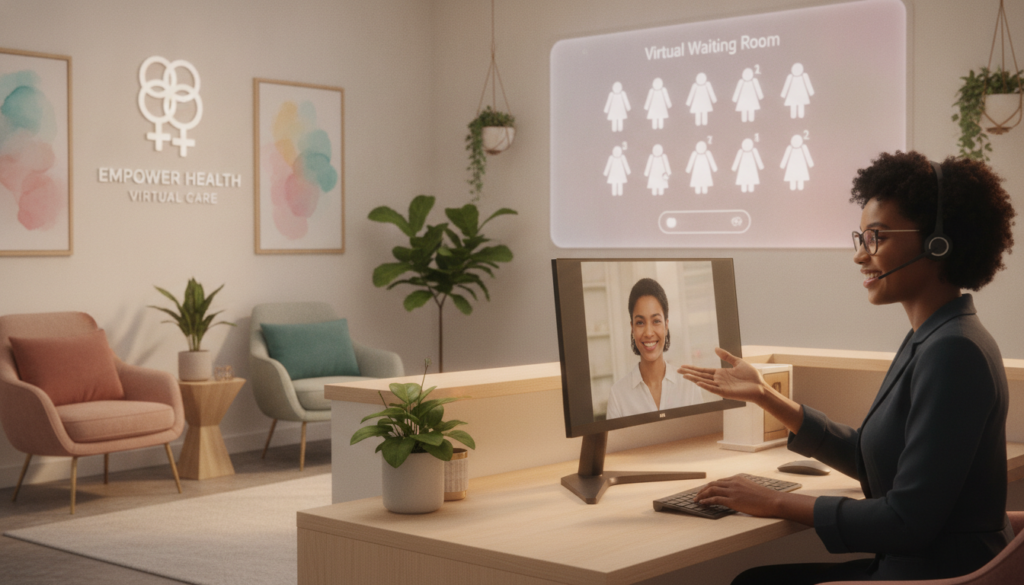
“Access should continue when patients need a clear next step.”
Always-On Scheduling and Patient Support
Your staff can collect details without replacing physicians, nurse midwives, nurse practitioners, or other providers. Non-urgent requests may include a $25 fee. Prescription refills may require a telemedicine appointment, while urgent concerns need proper evaluation.
Coordinating Appointments Across Locations
Consistent workflows help patients move between Lemoyne, Harrisburg, Newtown, and Southbury. The team can organize routine visits, high-risk obstetrics, adolescent care, menopausal management, incontinence treatment, and pelvic floor services.
Supporting Care From Routine Visits to Telemedicine
Scheduling support can connect ultrasound needs with Lemoyne or Harrisburg offices and coordinate obstetric care at Penn State Hampden Medical Center. It can also organize surgery details for UPMC Pinnacle Harrisburg, West Shore Hospital, and West Shore Surgical Center. This approach improves healthcare access across every stage of life.
Core Front Desk Services That Strengthen Your Practice
A well-run intake process gives each patient a clear path from first contact to treatment. Your staff can greet callers, register patients, confirm appointments, verify insurance, and collect payments during business hours. A reliable management process also reduces delays before a provider visit.
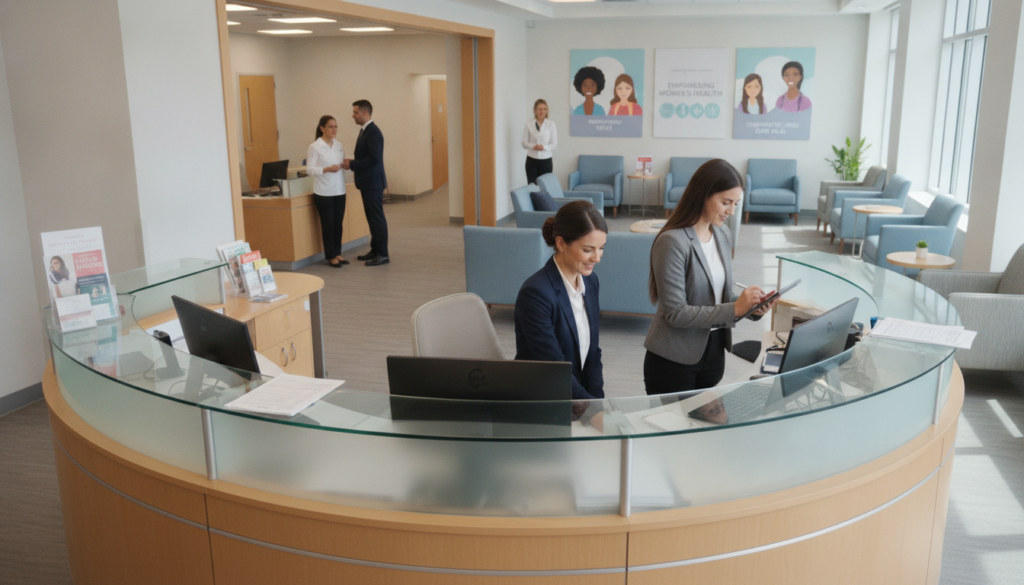
Patient Registration, Insurance Verification, Portals, and Follow-Up
Phone systems, fax machines, scanners, printers, and software support daily work. You can also connect patients to a medical receptionist service for added coverage. A patient portal can handle routine gynecology appointments, follow-up messages, and prescription questions. After-hours refills may require a telemedicine visit.
Barbara Buckley of Comprehensive Women’s Health highlighted “My Test Results,” which lets patients view reviewed laboratory findings and Pap-test dates. Audrey Spencer of Primary Plus evaluated a cloud system that joined records, e-prescribing, billing, laboratory, fax, and portal tools. These features help your team coordinate women healthcare while protecting clinical management.
Clear information helps patients take the next safe step.
For check-in guidance, review this patient check-in guide.
| Service | Practical value | Next step |
|---|---|---|
| Registration | Accurate demographics | Confirm appointment details |
| Insurance | Eligibility and payment clarity | Route coverage questions |
| Portal | Results and messages | Send reviewed information |
Connecting Your Team With Reliable Technology and Care Workflows
When every message reaches the right person, your practice can respond with greater confidence. A connected system links staff, physicians, providers, and patients across several locations.
Centralized appointment data supports referrals, ultrasound coordination, surgery preparation, and follow-up. In Lemoyne and Harrisburg, location-aware workflows help arrange routine or urgent obstetric ultrasound services. Obstetrical care at Penn State Hampden Medical Center and surgery at UPMC Pinnacle Harrisburg, West Shore Hospital, or West Shore Surgical Center can follow one clear process.
Integrated tools reduce repeated work. Electronic prescribing, billing, laboratory results, fax services, and a patient portal study can share useful information. Your team can also use a multi-location check-in workflow to keep records current.
Clear records let physicians focus on the moment that matters most: patient care.
Accurate notes help physicians prepare for daVinci robotic-assisted, laparoscopic, hysteroscopic, or vaginal surgery. Consistent communication also supports women through each stage of life, from first appointment to long-term follow-up.
Conclusion
A stronger access plan begins with a clear path for every caller. A virtual front desk can widen access for patients while clinicians protect the standard of care expected in specialty practice.
Central scheduling, registration, insurance checks, portals, and follow-up keep a multi-location team aligned. Technology supports physicians, nurse midwives, nurse practitioners, and other qualified providers. It does not replace them. Partners in Women’s Healthcare and Comprehensive Women’s Health show why reliable administrative support matters.
Explore medical receptionist insights and small-practice assistant options to compare workflows. Choose a service that fits your access goals.
Call (352) 516-3972, text us, or email info@totalmedicalsolution.com. Support is available 24/7. Reach out to build reliable access without losing a personal connection.


