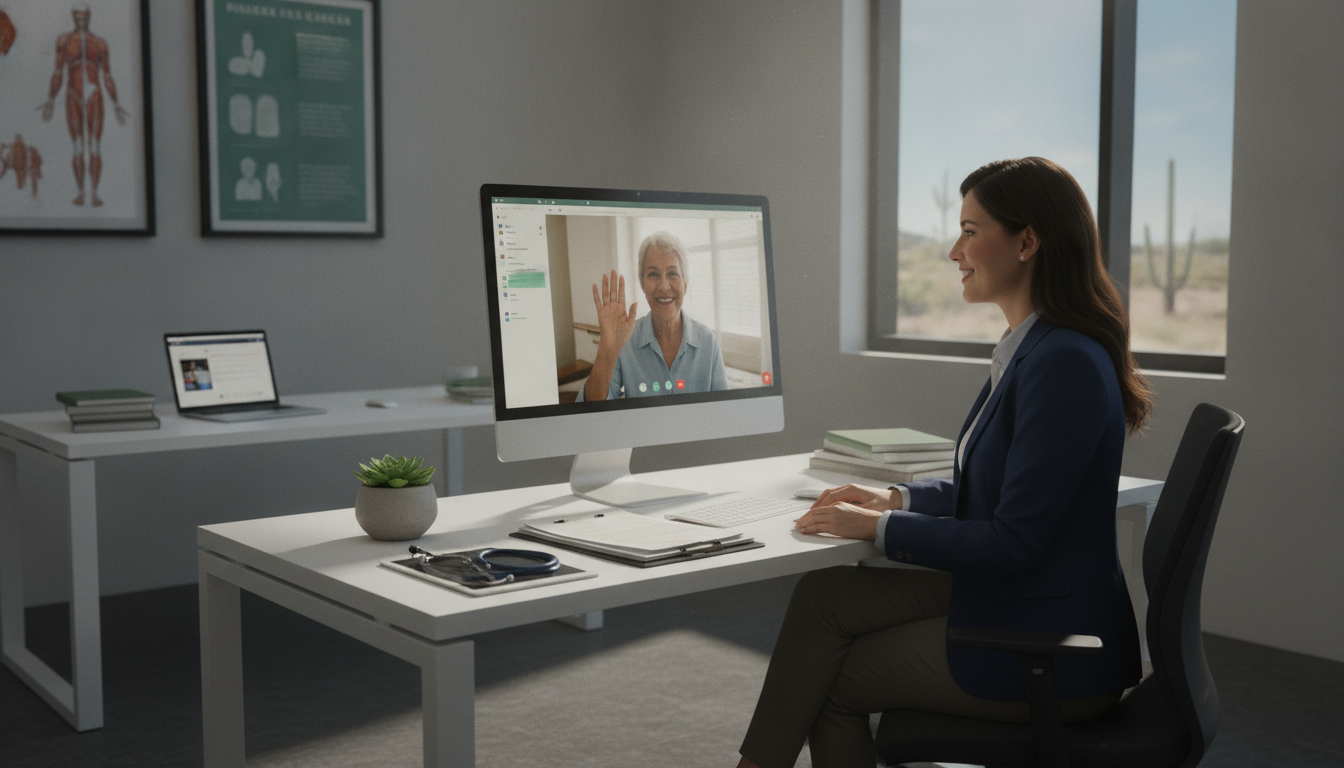
Could your practice serve more patients if your doctors spent less time on paperwork? Across the United States, healthcare demand continues to grow. Texas practices now manage busy schedules, rising record needs, billing tasks, and strict compliance rules.
A virtual medical assistant Texas practices trust can ease that load. Care VMA reports that two-thirds of doctors’ time goes to administrative work instead of direct patient care. With reliable remote support, you can improve daily flow and give your team more time for patients.
Care VMA support starts at $9 per hour, compared with about $19 per hour for on-site staff. That difference can help independent offices, specialty clinics, and larger organizations control costs without lowering service quality.
Flexible support is available 24/7. Call (352) 516-3972, text the team, or email info@totalmedicalsolution.com to discuss a plan for your practice.
Key Takeaways
- Reduce paperwork and scheduling pressure.
- Give doctors more time for patient care.
- Support records, billing, and compliance tasks.
- Choose flexible help for practices of any size.
- Explore a lower-cost staffing option.
- Get support 24/7 by phone, text, or email.
Virtual medical assistant Texas services for your practice
DoctorPapers helps you manage routine work while your providers focus on patient care. Its healthcare services fit growing offices, specialty clinics, and busy provider groups.
Administrative support for growing healthcare teams
A trained assistant can handle appointment scheduling, claims management, transcription, insurance verification, and follow-up. These tasks improve communication between your staff, patients, and care providers.
You gain dependable support without adding office space, equipment, or utility costs. DoctorPapers also brings healthcare experience to daily workflows, helping your team manage more work with less strain.
Remote assistance aligned with Texas practice needs
DoctorPapers works with Athenahealth, Kareo, and Epic. This experience helps the service fit your current records process instead of forcing your staff to learn a new system.
Unlike hiring another onsite worker, remote support can expand or reduce with demand. You receive practical help for busy periods while keeping communication clear and tasks organized.
Why Texas practices choose virtual medical assistants
Rising workloads make dependable remote help a practical choice for many healthcare teams. Care VMA lists a starting rate of $9 per hour, compared with about $19 per hour for on-site staff. You may also reduce office-space, equipment, and utility costs.
Care VMA reports that administrative duties consume two-thirds of doctors’ time. A virtual medical assistant can handle routine tasks, giving doctors more time for patient care and improving access for patients. HIPAA-focused training also supports safer data and information handling.
Financial work needs the same care. RCM Matter supports billing, coding, claims tracking, accounts receivable, audits, and reports. This focused help can strengthen practice management while your team stays focused on patient needs.
- Lower staffing costs and fewer overhead demands.
- More time for doctors to provide care.
- Clearer communication with patients and clients.
- Trained support for records and billing workflows.
For smaller offices, small practice support can improve daily flow without expanding the office. The result is a smoother healthcare experience for your team and patients.
Administrative support that keeps your medical office moving
Clear back-office processes help your practice run with fewer delays. Remote staff can manage routine work while your team protects time for direct care and patient needs.
Data entry and medical records management
A trained medical assistant can enter data, update demographics, and organize records with care. The team may also coordinate prescription refills and prepare information before visits. After each visit, staff can support follow-up notes and documentation.
Care VMA lists appointment management and pre- and post-appointment support among its services. These tasks reduce repetitive work and help keep patient information current.
Daily workflows and back-office task support
Remote staff can work with Athenahealth, Kareo, and Epic. Athena Virtual Support also highlights EMR integration and front-desk management. This connection helps your office move information between scheduling, records, and daily workflows.
Accurate documentation gives your healthcare team a clearer view of each case. With organized management, you can reduce errors, improve service, and give patients more focused care.
Patient communication and front-desk coordination
Strong front-desk communication shapes how patients view your practice. Remote staff can answer routine questions, manage calls, and share clear updates with your care team.
Inbound and outbound patient calls
Care VMA supports inbound and outbound calls, appointment concerns, reminders, and basic questions. Triage assistants can use focused phone questions for an initial symptom assessment. They do not replace a provider, but they help direct patients to the right next step.
HelloRache offers U.S.-based virtual medical assistants with clinical experience and fluent English communication. This background helps your team handle sensitive conversations with clarity and respect.
Patient intake and onboarding
A medical assistant can collect intake forms, update demographics, confirm insurance, and prepare new patients for their first visit. These steps create a smoother onboarding process and reduce missing information.
Clear communication across your care team
Care VMA also supports care-plan coordination and patient education management. With organized messages and timely follow-up, your staff can deliver more consistent patient care. Explore virtual medical assistants for added front-desk support.
Appointment scheduling and intake workflows
Well-planned front-desk processes help you protect provider time and improve patient access. A virtual medical assistant can book visits, update changes, and keep appointment details accurate. This support also helps your team respond faster when demand rises.

Appointment booking and reminders
DoctorPapers provides appointment scheduling and reminders for routine visits, follow-ups, and cancellations. PureMD Group also combines patient intake with scheduling, helping small and large offices organize daily demand.
Your remote assistant can confirm times, manage reschedules, and send timely reminders. These steps may reduce missed visits, delays, and unnecessary calls. They also create smoother workflows for your front office.
Clear scheduling gives patients confidence before they arrive.
Pre-appointment information collection
Before a visit, a medical assistant can collect forms, insurance details, symptoms, and other key information. Telehealth remote assistants support pre-appointment data collection, so clinicians can review relevant details before care begins.
- Improve appointment scheduling accuracy.
- Give patients easier access to care.
- Reduce repeated calls and intake delays.
Learn more in this virtual care guide.
Medical documentation and EHR support
Clear records help your team make informed decisions and maintain steady care. A virtual medical assistant can capture key details while doctors stay focused on the patient.
Real-time consultation documentation
Care VMA virtual medical scribes document consultations and record procedures in real time. They can also update prescriptions, lab reports, and visit histories. This work reduces repeated data entry and keeps essential information easy to find.
Care VMA triage staff can document initial assessments in electronic health records. MedVA adds scribing, insurance verification, and chart management to support a complete workflow.
EHR updates and patient history tracking
DoctorPapers supports Athenahealth, Kareo, and Epic. Your remote team can update charts, organize records, and track changes within systems your office already uses. Accurate documentation improves continuity and gives your care team a clearer view of each case.
- Keep health histories current.
- Support safer prescription and lab tracking.
- Give doctors more time for patients.
Billing, coding, and insurance assistance
Accurate revenue-cycle work protects your practice from avoidable delays. A remote support team can organize billing tasks, check payer details, and keep payment records current. This help gives your healthcare staff more time to focus on care.
Claims, invoices, and payment support
Care VMA billing staff update insurance information, prepare invoices, collect payments, and support patient payment plans. They can also maintain cash-flow reports, helping you see outstanding balances and payment trends.
RCM Matter supports coding, claims tracking, denial resolution, accounts receivable, compliance audits, and financial reports. A trained medical assistant can review details, flag missing data, and route issues for prompt follow-up. This process may reduce claim delays and support steadier cash flow.
Organized billing turns complex payment tasks into a clearer daily process.
- Verify insurance before services.
- Track claims and payer responses.
- Support invoices and payment plans.
- Review reports for better decisions.
| Service | Daily support | Practice benefit |
|---|---|---|
| Insurance review | Update coverage information | Fewer data errors |
| Claims management | Track and resolve issues | Faster follow-up |
| Payment support | Prepare invoices and plans | Steadier cash flow |
Telehealth and virtual care coordination
Remote visit support helps your practice connect patients with providers without adding another on-site role. A virtual medical assistant can organize calls, confirm visits, and guide patients through each step of the process.
Telehealth platform and appointment support
Telehealth staff can schedule online visits, send reminders, and help patients enter the correct platform. Basic technology guidance may prevent login problems, late starts, and avoidable cancellations. PureMD Group provides telehealth coordination that can extend your team’s daily capacity.
Your staff can also receive help with prescription requests and visit details. Clear messages between patients, doctors, and your broader healthcare team support smoother care.
Virtual patient intake and follow-up care
Before an online visit, remote staff can collect forms, confirm health details, and prepare the chart. Afterward, they can arrange follow-up appointments, share instructions, and route questions to the right clinician.
Virtual Nurse Rx combines telehealth coordination with clinical documentation. This approach supports consistent records and better follow-up. You can also review remote task support for help with intake, scheduling, and care coordination.
Remote patient monitoring and follow-up care
Ongoing monitoring gives your team a clearer view of changes between office visits. Care VMA remote patient monitoring staff review vital indicators and share meaningful updates with doctors. This process helps you act sooner when readings move outside a safe range.
Consistent follow-up supports better health management. Care VMA Health offers VCCM support for diabetes, cardiovascular disease, hypertension, and asthma. A virtual medical assistant can help manage real-time data, remote vitals, video appointments, refill requests, and health coaching.
Technical support can also help each patient use monitoring devices correctly. Your team receives help with setup, routine checks, and timely intervention revisions. This guidance can improve device use and reduce delays in care.
Reliable data helps your providers make informed decisions at the right time.
- Review vital readings and flag important changes.
- Support video visits and prescription refill coordination.
- Guide health coaching and daily monitoring routines.
- Give doctors timely information for follow-up care.
With organized support, your staff can spend less time sorting health data and more time addressing patient needs. A virtual medical assistant also helps maintain clear communication throughout the care process.
HIPAA-compliant data and information handling
Data security should guide every remote workflow in your practice. Care VMA states that its virtual medical assistants follow HIPAA guidelines when handling protected health information. This standard helps protect records, billing details, and messages from improper disclosure.
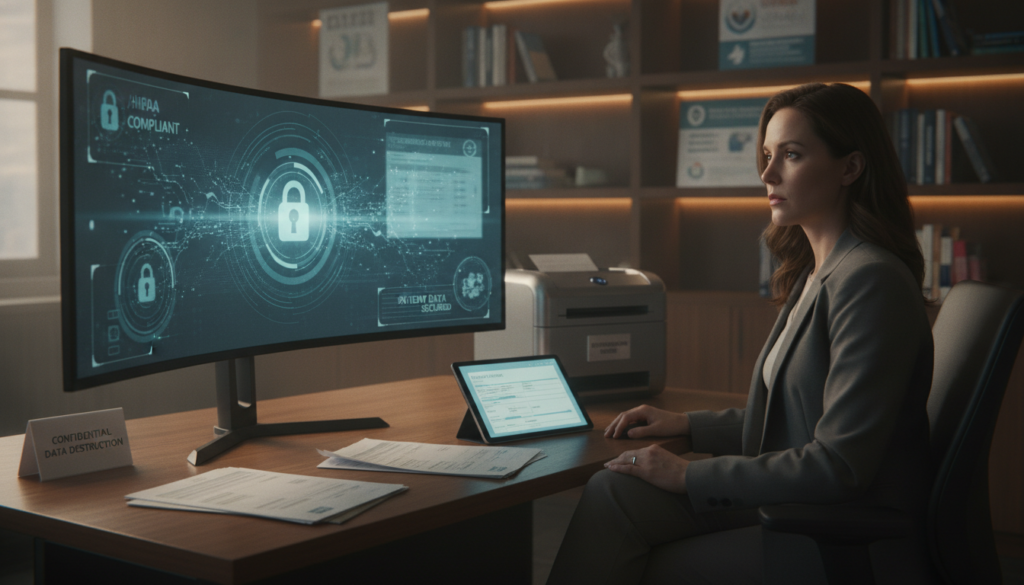
Protecting sensitive health information
HIPAA compliance covers both paper records and electronic protected health information. A qualified provider should limit access by role, use secure logins, and track unusual activity. These controls help keep patient information private during documentation, scheduling, and care coordination.
HIPAA training also differs from general office experience. Ask whether each team member receives privacy training and understands your practice rules. Confirm how the provider reports a breach, removes access, and documents the response.
Secure communication and records workflows
Reliable systems should protect medical records, patient messages, and billing information. Encrypted communication, approved record tools, and clear permission settings support safer daily work. Your team should review these safeguards before services begin.
Strong HIPAA processes protect trust while improving access to care. Request written compliance expectations, breach procedures, and access controls before you choose a partner.
Qualified virtual medical assistants for your team
The right credentials can make remote support safer and more effective. Before you hire, review education, software skills, privacy training, and real patient-care experience.
Healthcare certifications and software skills
Look for a high school diploma, an NHA Certified Medical Administrative Assistant certificate, or Certified Clinical Medical Assistant training. CMA or RMA certification may also show strong preparation. Skilled assistants should understand EHR platforms, scheduling tools, billing systems, and secure messaging.
HIPAA training and compliance awareness
Privacy training helps staff protect records, calls, and payment details. Care VMA states that it follows AAMA, AMT, NHA, and HIPAA guidelines. It also reports that it selects the top 5% of professional remote assistants worldwide.
Communication, organization, and patient care experience
HelloRache provides U.S.-based assistants with real clinical experience. That background can support clear, culturally aware conversations with patients. Strong organization and dependable communication also help your office manage busy days.
A cited remote role requires a high school diploma and prefers CMA or RMA credentials. Its projected annual pay ranges from $45,000 to $60,000. Review qualified remote support roles to compare skills and hiring needs.
Flexible support for Texas specialties and practice sizes
Your staffing plan should match patient volume, specialty needs, and operating hours. Across Texas, growing demand makes flexible support useful for both small offices and larger care organizations.
Healthcare support services often cost $10 to $25 per hour or come in custom monthly packages. Care VMA lists virtual support starting at $9 per hour. This lower entry point may help your practice control costs as needs change.
PureMD Group offers flexible packages for independent practitioners and multi-specialty clinics. My Mountain Mover matches pre-vetted staff with clients based on billing, scheduling, or front-desk needs. That approach helps your team choose support that fits its workflow.
- Scale help during busy seasons or extended hours.
- Support billing, intake, or scheduling without new space.
- Adjust coverage as your practice and client demand grow.
Flexible staffing lets you expand capacity without committing to permanent overhead.
Review your workload, office size, and service goals before choosing a plan. For more insight, explore healthcare staffing cost reduction options.
How virtual medical assistant services improve patient care
Less paperwork gives your clinicians more time for meaningful conversations. Care VMA reports that administrative duties consume two-thirds of doctors’ work time. Remote support can reduce this burden and help providers stay present during visits.
Care VMA supports intake, onboarding, education management, and care-plan coordination. These services help your team collect accurate details, explain next steps, and keep each patient connected to the right resources.
Support also extends beyond the visit. Staff can arrange post-discharge follow-ups and manage routine prescription refill requests. This organized process helps patients receive timely updates without sending every administrative question to a clinician.
Better communication and timely follow-up create a more consistent experience.
You gain clearer workflows, organized records, and stronger continuity. To compare options, explore healthcare support services for your practice.
- More provider time for direct conversations.
- Consistent intake and onboarding steps.
- Reliable follow-up after discharge.
| Support area | Typical task | Practice benefit |
|---|---|---|
| Communication | Share updates and reminders | Clearer expectations |
| Coordination | Track plans and follow-ups | Better continuity |
| Refills | Route routine requests | Less clinician workload |
Getting started with your medical virtual assistant
Before you choose a service, map the work that slows your practice each day. Note your scheduling needs, appointment volume, record updates, billing priorities, and patient communication gaps. This review gives you a clear starting point.
Check the service before you share patient data. Confirm healthcare experience, HIPAA training, EMR compatibility, availability, and transparent pricing. Ask how the team handles access controls, escalations, and urgent messages.
“A clear plan turns remote support into a reliable part of your practice.”
Set expectations before onboarding
Define preferred hours, communication channels, response times, and measurable goals. Explain which tasks require provider review and when staff should escalate an issue. This structure supports smoother coordination and safer daily workflows.
Compare service scope and cost
Common rates range from $10 to $25 per hour, while some providers offer custom monthly packages. Care VMA advertises support around the clock, which may help practices that need extended hours. Compare coverage, task limits, and reporting before you commit.
- List priority tasks and appointment needs.
- Confirm EMR access and privacy training.
- Set communication rules and review dates.
A focused needs assessment helps match your office with the right service level, skill set, and coordination plan.
Contact our virtual medical assistant team
Ready to improve your practice workflow? Contact our team to discuss coverage, task priorities, and service goals. You can also review Texas virtual medical assistant services before you decide.
Call us at (352) 516-3972
Call (352) 516-3972 to discuss scheduling, documentation, billing, intake, or clinical support. Share your patient volume, current systems, and daily workflow needs. This detail helps the team suggest a practical service plan.
Text or email info@totalmedicalsolution.com
You may text the team or email info@totalmedicalsolution.com with questions about staffing and coverage. Clear communication helps you explain software needs, task limits, and preferred response times.
Get support available twenty-four hours a day, seven days a week
Support Hours Available 24 / 7. Extended access helps your practice coordinate assistance beyond standard office hours. Use the same communication channels to discuss changes, urgent concerns, or future needs.
Start with a clear conversation about the work your practice needs most.
| Contact option | Best for | Available support |
|---|---|---|
| Phone | Detailed planning | Workflow and staffing review |
| Text | Quick questions | Coverage and task updates |
| Practice details | Service needs and follow-up |
Conclusion
Your practice can gain time, consistency, and better patient access with virtual medical assistant services. These services support scheduling, records, billing, communication, telehealth, and follow-up while reducing daily pressure on your team.
Choose a partner with HIPAA training, EMR experience, healthcare knowledge, clear pricing, and dependable tracking. You may also review prior authorization support to improve approval workflows and reduce delays.
Support is available 24 hours a day, seven days a week. Texas practices can call (352) 516-3972, text the team, or email info@totalmedicalsolution.com to discuss their needs. Compare services, ask focused questions, and select a plan that helps your staff spend more time on patient care.


