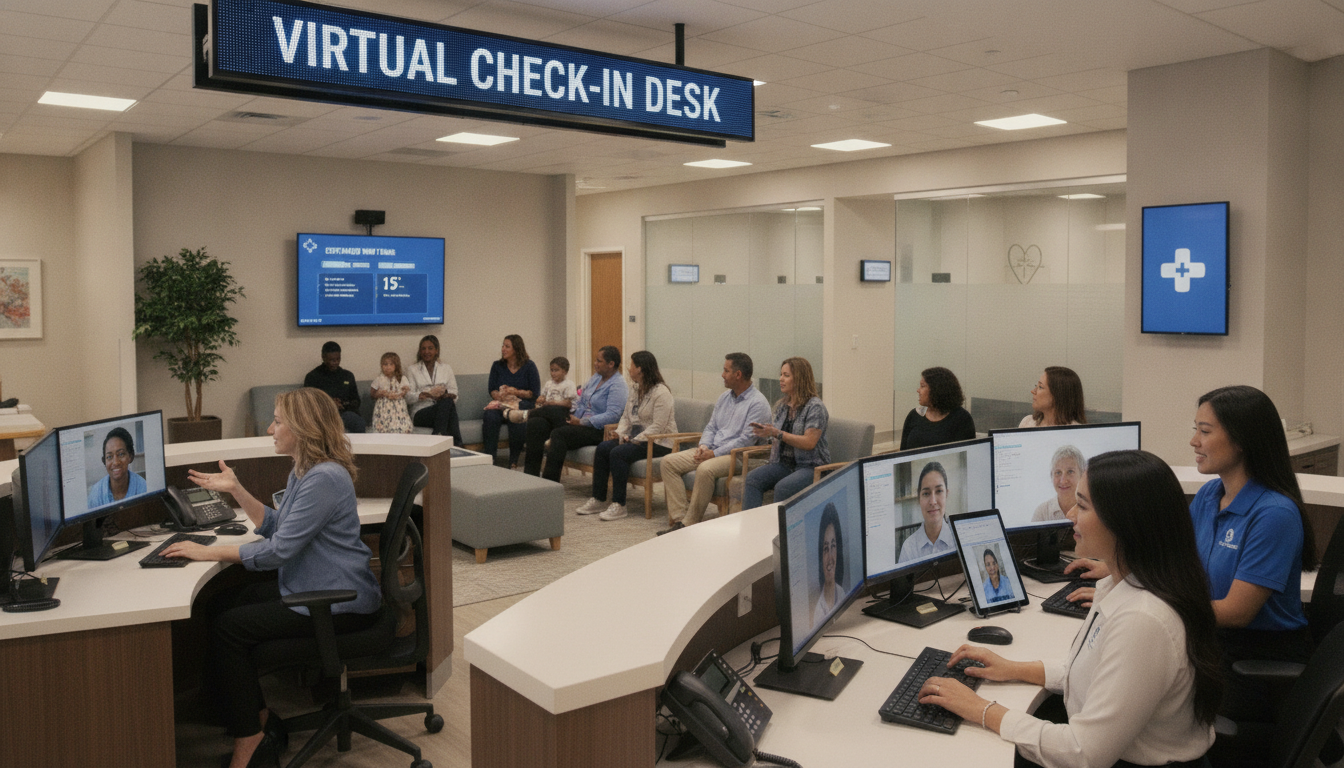
Urgent care visits in the United States have grown by over 60% in the last decade. This increase puts a lot of pressure on check-in desks. Your team might find it hard to manage the flow of walk-in patients.
A virtual front desk offers a way to handle many patients at once. It lets you welcome guests online, reduce waiting times, and let your on-site staff do more important work. This approach makes your clinic more efficient.
Key Takeaways
- Virtual front desks reduce your clinic’s chaos
- Better management for high volume patient check-in
- Less stress for on-site staff
- Quicker service and shorter wait times
- Streamlined communication with patients
Overview of Urgent Care Virtual Front Desks
Using remote help for your front desk makes things easier. You can control calls and forms better, helping during busy times. This mix of tech and people helps you serve patients smoothly.
Definition and Purpose
A virtual front desk uses AI and real people. It handles scheduling, answers questions, and organizes documents. It works well with urgent care systems, available all the time.
Importance in Modern Healthcare
Health clinics face staff shortages and more patients. Virtual front desks offer quick callbacks and better patient care. They also help with paperwork. By using virtual front desk services, you save time and reach more people.
Key Features and Functionality
These solutions include real-time insurance checks, fast scheduling, and record systems. They also offer analytics for better performance.
| Feature | Advantage |
|---|---|
| 24/7 Scheduling | Lets you manage appointments when your office is closed |
| Automated Notifications | Alerts patients about upcoming visits or changes |
Benefits of Implementing Virtual Front Desks
Your urgent care clinic can make patients happier with a virtual front desk. It makes checking in easy and clear for everyone.
Improved Patient Experience
Visitors will find fewer lines and shorter waits. Automated systems cut down on paper work. This lets staff focus on each patient’s needs.
Adding a personal touch makes patients feel more comfortable.
Increased Operational Efficiency
A virtual front desk lets staff do more important work. It handles check-ins better, cutting down on mistakes. This means staff can spend more time on patient care.
Cost-Effective Solutions
Using a virtual front desk saves money on training and hiring. It sends out registration details automatically, cutting down on errors. Learn more about its benefits in this comprehensive overview.
It also helps save money in the long run and can grow with your needs.
How Virtual Front Desks Improve Patient Flow
Digital platforms help by guiding patients to the right service. This reduces lines and confusion. With urgent care check-in solutions, scheduling and tracking become easier.
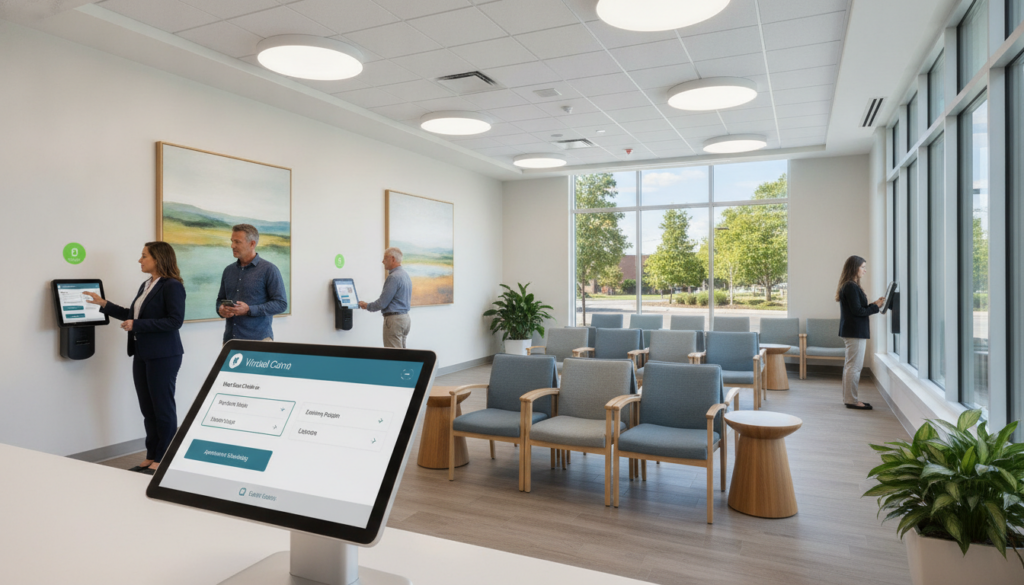
These systems help your clinic handle more patients. They offer flexible tools for different needs. This lets you manage demand and direct resources better.
Streamlining Check-In Processes
Remote form completion cuts down paperwork. Patients fill out forms before they arrive. This saves time for desk staff and shortens wait times.
Smooth workflows make things calmer, even during busy times.
Managing Patient Wait Times
Real-time scheduling and updates set clear expectations. You keep patients informed about delays. This reduces frustration.
For more tips, check out this resource on how fast check-ins improve flow.
Facilitating Communication with Staff
Integrated alerts and notifications keep your team informed. Smartphone reminders help reduce no-shows. This leaves room for urgent walk-ins.
Urgent care check-in solutions also help coordinate tasks. This makes front-desk chaos a thing of the past.
Integration with Existing Systems
Connecting software smoothly is key for urgent care clinics. They handle a lot of patient check-ins. When each system shares data in real time, errors drop and data moves faster.
Electronic Health Records (EHR) Compatibility
EHRs keep patient info in one safe place. This stops the need for extra data entry and cuts down on mistakes. It also keeps records safe and follows HIPAA rules, a key step for protecting patient data.
Appointment Scheduling Systems
Automated scheduling tools manage new visits and changes. Front-desk staff can keep up without getting bogged down. This is great for places with a lot of walk-ins, letting staff focus on patients.
Practice Management Software
Insurance checks and billing updates work better together. The system tracks claims and shows patient balances clearly. This makes admin work easier and keeps things running smoothly.
Features to Look for in a Virtual Front Desk
Finding the right system for your clinic is key. It builds trust and stops missed calls. You need something that makes tasks easy but can also change with your needs.
This way, you lower patient frustration and increase loyalty.
User-Friendly Interface
Look for clear navigation to cut down on training time. A simple layout with clear prompts keeps your team happy and saves time for patients.
24/7 Availability
Clinics need to be open all the time to serve late-night or weekend patients. Being always available means fewer missed calls and better care at all hours.
Customization Options
Make sure the platform lets you change forms, scripts, and messages to fit your clinic’s brand. Being able to customize helps meet unique patient needs and shows your clinic’s identity.
| Feature | Advantage |
|---|---|
| User-Friendly Interface | Less staff training and faster check-ins |
| 24/7 Availability | Greater patient convenience |
| Customization Options | Consistent branding and adaptable forms |
When these features come together, urgent care check-in solutions improve efficiency and patient trust. Choosing a platform that covers all these areas means a smooth front desk experience.
Training and Staffing Considerations
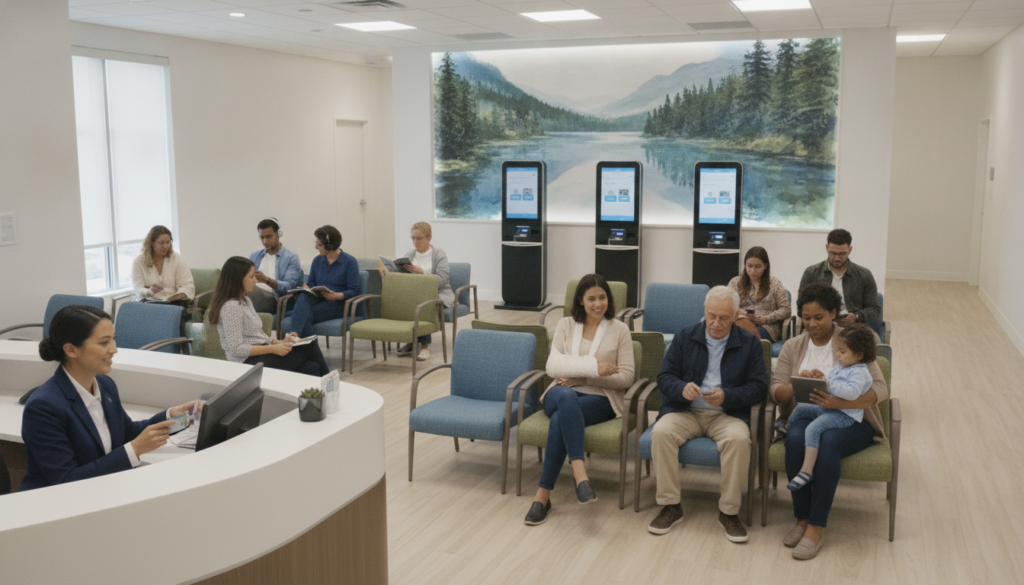
Changing to a virtual front desk needs careful training for your team. Hold regular orientation sessions and give clear instructions. Use interactive demos to build confidence.
Use a mix of digital tools and in-person help during busy times. Leaders should give feedback quickly to keep the mood positive. This helps everyone adjust to new ways of working.
Preparing Your Team for Virtual Adoption
Team members need structured learning with demos and practice. Have trainers and mentors ready to answer questions. This makes the switch to remote work smoother.
Set clear rules for digital interactions and patient privacy. This sets a professional tone for online chats.
Ensuring Adequate Support Staff
Even with virtual tools, having people on hand is important. Trained staff can help if a patient has issues. You can also switch between in-person and virtual staff to manage workloads.
Addressing Common Challenges
Some might feel unsure about new systems or tech problems. Regular check-ins and training help ease worries. This builds confidence in using new tools.
Having the right number of staff helps avoid delays. This keeps your clinic running smoothly and ready for patients.
“Our digital front desk reduced wait times and boosted patient engagement.” – Mayo Clinic
Case Studies: Successful Implementations
In many busy clinics, making things run smoother can change how you help patients. By using urgent care check-in solutions, you can see more patients and make their visits better.
Success often comes from using digital signs and tracking data in real time. This cuts down on paper work, mistakes, and makes it easier to see more people.
Example 1: Increased Patient Throughput
One NextCare place saw more visits every day. They used urgent care check-in solutions to make things run better. This made lines shorter and staff happier. Patients trusted them more because they got quick and right service.
Example 2: Enhanced Patient Satisfaction Ratings
A big place asked patients about their experience after starting virtual front desk tools. They got better scores, with many happy about the shorter waits. Less busy signals, quick service, and easy follow-ups led to more positive reviews online.
Addressing Privacy and Security Concerns
Keeping personal info safe is very important when you run a virtual front desk. This is true for urgent care clinics, where lots of patient info is shared quickly. Good security measures help protect this info and make people feel safe when they need care fast.
HIPAA Compliance
Having clear rules to keep sensitive info safe is key. Business associate agreements spell out who is responsible for what. If there’s a data leak, you need to act fast. Keeping call recordings safe is also part of this, showing you care about patient privacy.
Data Encryption Practices
Encryption makes sure info is safe when it’s stored or being sent. It keeps electronic forms and schedules safe from prying eyes. This includes phone calls and digital systems, making every interaction secure. Using the same encryption methods helps keep your clinic safe.
Staff Training on Confidentiality
People are a big part of keeping data safe. Your team needs to be careful with patient info, even when they’re busy. Regular security training reminds them how important it is to follow the right steps to protect personal info.
The Future of Virtual Front Desks in Healthcare
Your care environment is moving to digital solutions. These changes make access and communication better. You get faster interactions and easier documentation.
Urgent care check-in solutions make your busy facilities more flexible. They meet the changing needs of your patients.
Learn about AI in patient workflows at this blog. It shows how virtual front desks improve scheduling and accuracy.
Trends in Remote Care Solutions
Providers are using more telehealth and automated services. AI helps with symptom checks and video calls. This cuts down on waiting room crowds.
Some places use virtual receptionists. They work with urgent care solutions to update records better.
Innovations on the Horizon
Predictive analytics help manage staff better. They find out when it’s busiest. Advanced AI makes talking to patients clearer.
Cybersecurity gets stronger. It protects health data by catching problems right away.
Predictions for the Urgent Care Sector
Patient needs and staff shortages push for virtual front desks. Automated tools will cut down on manual work. This improves patient flow and satisfaction.
This change helps clinics offer modern, better care experiences.
Cost Implications of Virtual Front Desks
Understanding the financial side of going digital can help reduce chaos. A virtual front desk can cut down on costs while handling a lot of patient check-ins. Each clinic needs to think about the initial costs and the long-term savings.
Initial Investment vs. Long-Term Savings
The biggest cost might be the software, training, and hardware upgrades at first. Tools like Epic can make things smoother, cutting down on mistakes and wasted time. Over time, you could save a lot on administrative tasks, which adds up.
Budgeting for Implementation
Plan for subscription fees and upkeep costs. Training your team will cost something, but it makes things more efficient. Moving money from old front-desk ways to new patient-focused areas can help a lot.
Potential ROI Calculations
Missed calls can mean lost money. A good system for handling many patient check-ins lets you serve more without more staff. This can lead to a clear return on investment, showing up over several quarters.
| Cost Element | Potential Advantages |
|---|---|
| Software Licensing | Streamlined communication and data access |
| Staff Training | Enhanced service quality and faster response times |
| Hardware Upgrades | Efficient patient flow and modernized operations |
| Subscription Fees | Ongoing platform support and feature updates |
Conclusion: Making the Switch to Virtual Front Desks
Bringing digital flexibility to your clinic can change daily workflows. You can lower wait times and make interactions smoother. This leads to better patient experiences and less stress for staff.
Final Thoughts on Implementation
Starting with urgent care check-in solutions needs planning and clear goals. Begin with small pilot programs to see how it fits. Get feedback from staff and patients, then improve settings and features.
Encouraging a Smooth Transition
Phased rollouts help manage any issues without stopping care. Hold regular check-ins and training to keep everyone up-to-date. Ask for input from team members to increase acceptance.
Key Takeaways for Urgent Care Clinics
In urgent care, check-in solutions improve patient flow and productivity. Proper steps for implementation make virtual front desks less stressful. This mix of affordability and modern efficiency creates a welcoming space.


