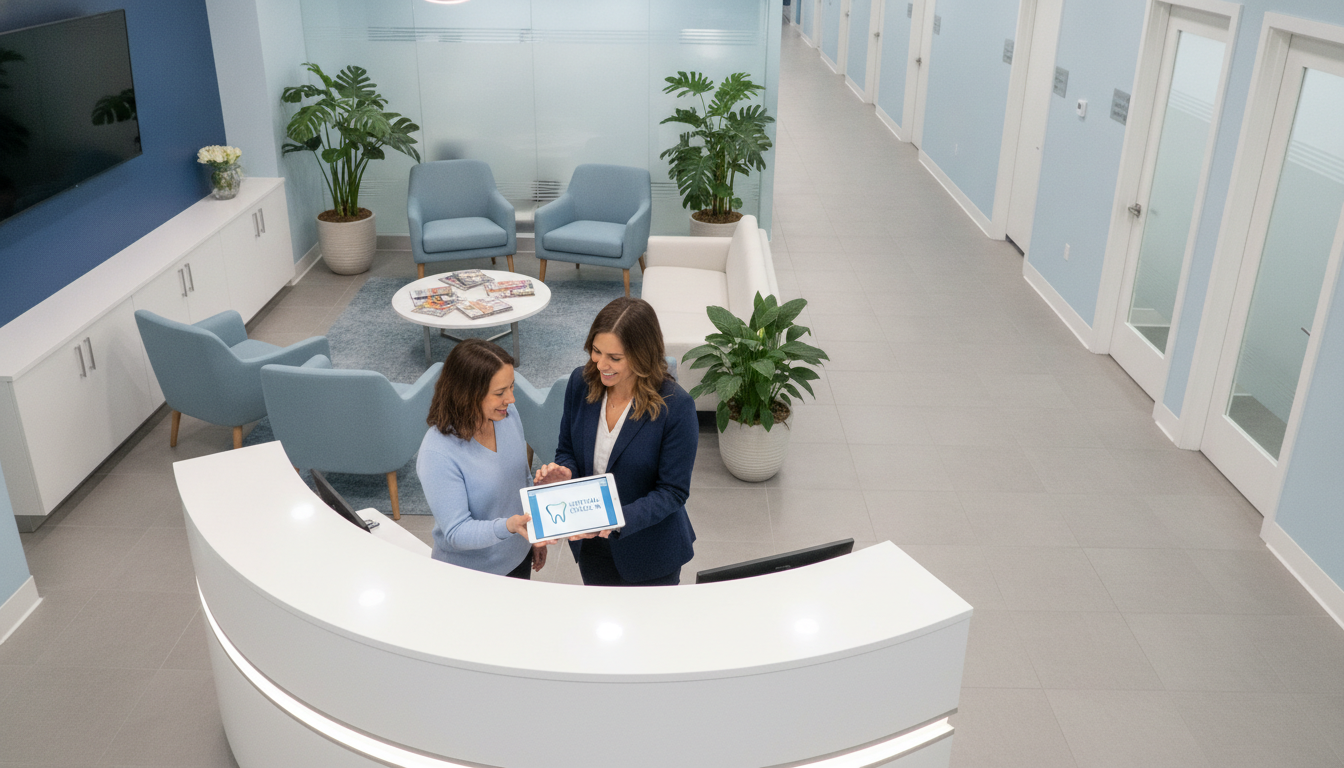
A surprising report from the American Dental Association shows up to 30% of phone calls to dental offices are missed. This means lost revenue and fewer patient visits. Your specialty practice check-in process can get slow when front desk teams handle scheduling, insurance forms, and patient inquiries at once.
Virtual receptionists and remote support offer a smarter way to manage your capacity. They help keep patients from hanging up and let them book appointments right away. This extra help makes check-in faster and more streamlined, preventing drop-offs. Tools for specialty practice check-in help you meet patient demand.
Key Takeaways
- Missed calls can lead to revenue loss and fewer appointments.
- Virtual receptionists handle overflow and maintain steady communication.
- Seamless check-in cuts down on scheduling headaches and patient wait times.
- Improved intake systems raise patient satisfaction and practice efficiency.
- Faster workflows help you stay competitive in a busy marketplace.
Understanding Dental Virtual Check-In
Your dental office can use remote tools and live support to make patient intake easier. Virtual check-ins help with scheduling, insurance checks, and getting patients back for visits. This method is safe and works well with your team, catching more calls and leads.
What Is a Dental Virtual Check-In?
You use secure online platforms or AI phone systems for a quick, no-touch arrival. Remote receptionists check insurance and book visits without blocking your lobby. This helps your staff focus on patients, not just paperwork.
Key Benefits of Virtual Check-Ins
These systems make waiting times shorter and keep data safe. Your practice might use teams for booking, urgent needs, and keeping in touch. This virtual dentistry resource highlights the benefits of online visits for quicker diagnoses. Outsourcing your front desk ensures you never miss a chance to see patients.
How to Implement Virtual Check-Ins
You need the right tools and a step-by-step plan for a smooth virtual process in your dental practice. A good approach uses modern phone systems, scheduling software, and after-hours coverage. This helps capture new patients. Dental virtual check-in works best when all your technology talks to each other in real time.
Necessary Technology for Your Practice
VoIP-based phone systems make handling calls easy without old hardware. Integrated software helps with scheduling and online forms. Video platforms with HIPAA compliance keep patient data safe. Secure messaging channels let off-site receptionists work with in-office staff.
| Tech Tool | Benefit |
|---|---|
| VoIP Phone System | Seamless call handling |
| Practice Management Software | Real-time scheduling and form tracking |
| HIPAA-Compliant Video | Confidential virtual visits |
| Secure Messaging | Instant updates for patient inquiries |
Steps to Set Up Your Virtual Check-In System
Choose a vendor with strong support and test your workflows. Adapt call flows, check insurance integration, and get patient feedback. Learn more about a good strategy by visiting this complete guide.
Training Staff on New Procedures
Your team needs clear guidance on dental virtual check-in and remote reception. Train both clinical and administrative staff. Then, practice together to build confidence. A unified approach increases efficiency and patient satisfaction.
Patient Experience Enhancement
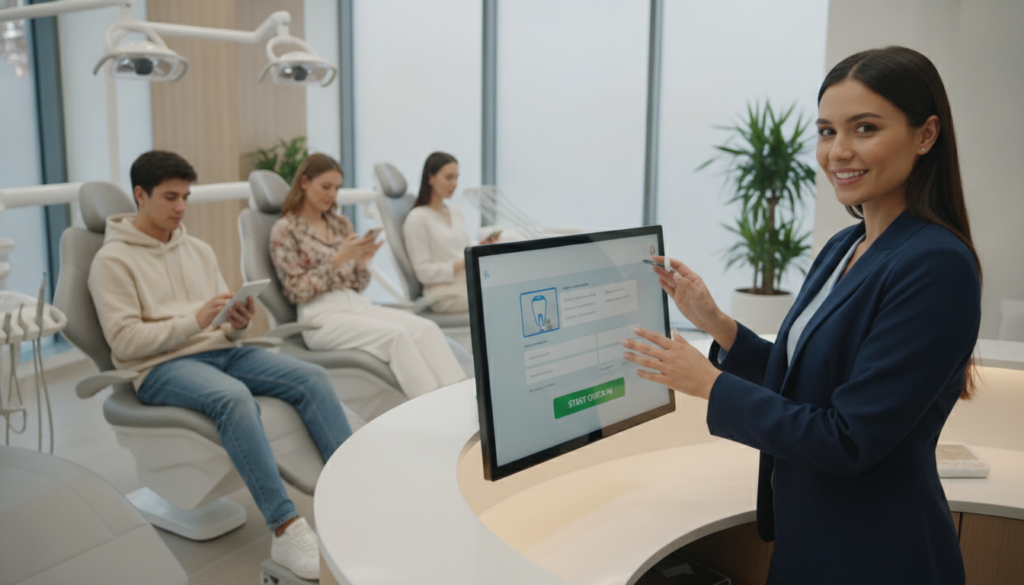
Starting your visit smoothly makes you feel better. A good dental virtual check-in lets you control your appointment from anywhere. You avoid long waits and paper forms, making your visit more convenient.
Convenience for Patients
No more phone calls or endless paperwork. A dental virtual check-in lets you confirm details at your own pace. This way, you arrive ready for your dentist or specialist, feeling more confident and saving energy.
Reducing Wait Times
Digital forms can be filled out before you arrive. This means shorter queues when you get there. For more tips on reducing wait times, visit this resource. Doing these steps early keeps your schedule on track.
Improving Communication with Doctors
Regular check-ins and clear messages build trust and comfort. You can ask questions and get updates from your provider easily. This ongoing dialogue supports better results and keeps you on schedule for every visit.
Addressing Privacy and Security Concerns
Keeping patient data safe is key in virtual check-ins. You must have a clear plan to protect it from wrong hands. Make sure all scheduling and records are encrypted. Also, staff should check identities carefully.
Ensuring HIPAA Compliance
Sign agreements with third-party providers to follow privacy rules. This agreement outlines who is responsible for patient data. Your team must learn about protecting data and only see what they need to.
Protecting Patient Information
Use special permissions to control who sees patient records. This lowers the chance of data leaks. Encryption keeps personal info safe, and watch for any odd behavior. These steps help build trust with your virtual services.
Virtual Check-In vs. In-Person Visits
Virtual check-in and in-person visits meet different needs. Some patients like booking online or by phone. Others want to see a doctor face-to-face, which can be reassuring, like when they’re anxious or new to the practice.
Differences in Process and Flow
Virtual check-in saves time and reduces paperwork. You send forms online, and patients fill them out whenever they want. In contrast, in-office visits mean more paperwork and longer waits.
Virtual systems also help practices save money. But, sometimes a face-to-face visit is better for complex questions or concerns.
When to Choose Virtual Over In-Person
Some situations call for a traditional visit. Older patients might feel more comfortable with a personal touch. Complex consultations often need a hands-on approach.
Most practices use virtual check-in for routine visits. But, for urgent needs or special procedures, in-person visits are best. It’s all about finding the right balance for your patients, your time, and your practice’s workflow.
Tracking Performance Metrics
Your virtual check-in system works better when you track results and improve strategies. You learn how well patients connect with your office and if help is quick. Focus on real numbers to increase reliability and trust.

Key Performance Indicators to Monitor
Specific numbers give a clear view of your practice’s performance. Metrics to watch include:
- Call Volume and Answer Rates
- Average Speed to Answer
- Appointment Conversion Rates
- Patient Satisfaction Scores
- No-Show Rates
- Reactivation Success
Analyzing Patient Feedback
Listening to patient feedback shows where scheduling or communication can improve. If many mention unclear phone instructions, you might need new call scripts. By making changes, you make the virtual check-in better and keep patient trust.
| Metric | What It Measures | Why It Matters |
|---|---|---|
| Call Volume | Total inbound requests | Shows demand and staffing needs |
| Answer Rates | Ratio of answered calls | Indicates availability and responsiveness |
| No-Show Rates | Canceled or missed visits | Highlights need for improved reminders |
| Appointment Conversions | Rate of scheduled visits from calls | Demonstrates effectiveness in booking |
Marketing Your Virtual Check-In Services
Your virtual check-in system needs to be seen on search engines and social platforms. Many patients look for easy ways to communicate, like by phone, text, or web forms. Show how your process is quick and easy to make new visitors feel sure about choosing your office.
Local SEO helps you find those looking for quick check-in experiences in your area. Make your Google My Business and Yelp listings stand out by showing off patient-friendly scheduling. Ask happy clients to leave reviews to show you care about their time and needs.
Strategies for Promotion
Building a strong brand helps your reputation. Show everyone you care about their time. Here are some ideas:
- Testimonials that show how easy it is to get in
- Ads that focus on quick scheduling
- Emails that highlight easy-to-use tools
Utilizing Social Media and Online Platforms
Facebook and Instagram posts can get people talking. Share short videos showing how easy it is to check in. Use Twitter or TikTok for more reach, and LinkedIn for professional updates. Keep your message clear and consistent to stand out to a tech-savvy crowd.
| Platform | Key Benefit |
|---|---|
| Google My Business | Boosts local search presence |
| Engages patients with visual updates | |
| Highlights your practice’s modern approach |
Case Studies of Successful Implementations
Dental providers have found new ways to improve their services. They use a virtual check-in system. This helps them handle many calls, cut down on missed appointments, and save money.
Real-World Examples from Dental Practices
At UNC Adams School of Dentistry, they faced a big increase in calls. They started using a virtual check-in. This way, they caught leads they would have missed before.
Pacific Dental Services also used this method. It helped them schedule appointments better and keep more patients coming back. These stories show how important a good virtual system is for keeping things running smoothly.
Lessons Learned from Other Specialists
Oral surgeons and orthodontists use remote teams for questions after surgery. Periodontists also see more calls covered, giving them more time for important work. By using these strategies, your practice can do better too.
| Practice | Implementation Focus | Key Benefit |
|---|---|---|
| UNC Adams School of Dentistry | Call Management | Captured Missed Leads |
| Pacific Dental Services | Scheduling Optimization | Improved Patient Retention |
| Specialist Groups | Post-Op Support | Reduced Clinic Workload |
Future Trends in Dental Virtual Check-Ins
Telehealth is getting more popular, changing dental virtual check-ins. Soon, AI might book appointments or check if you’re eligible in seconds. This could make things easier for you and make patients happier.
It’s important to watch for new tools to stay ahead. Some services already let you have remote consultations for quick check-ups. Patients like sharing photos or videos of their issues, so you can help without seeing them in person.
This shows how vital a good dental virtual check-in plan is. It needs to keep up with new tech.
Advancements in Telehealth Solutions
New telehealth tools aim to make your work easier. Automated checks and AI screening might cut down on unnecessary visits. This could make care more efficient and tailored to each patient.
Potential for Remote Monitoring
At-home care kits could help with ongoing treatment, adding convenience. Connected devices can send real-time updates on your oral health. This fits well with what tech-savvy patients want.
Conclusion: Embracing the Shift to Virtual Care
You can change how patients see dental care by using digital tools. Virtual check-ins make things easier for your dental office. They help patients and solve space problems.
These tools save time and make care more focused on patients. By using them, you improve care and grow your practice.
Your Role in This Transformation
Choosing virtual check-ins makes scheduling and paperwork faster. Your team can do more important work. This builds stronger patient relationships.
Remote support also saves money and makes staff happier. It keeps your practice profitable. This way, you keep your best team members happy and focused on care.
The Future of Patient Interactions in Dentistry
Telehealth will get even better, meeting today’s needs and keeping patient info safe. New tools will help you work better together. This makes visits easier and less stressful for patients.
By getting ready for these changes, you make your practice better. You also make care better for everyone. This is how you prepare for the future of dentistry.


