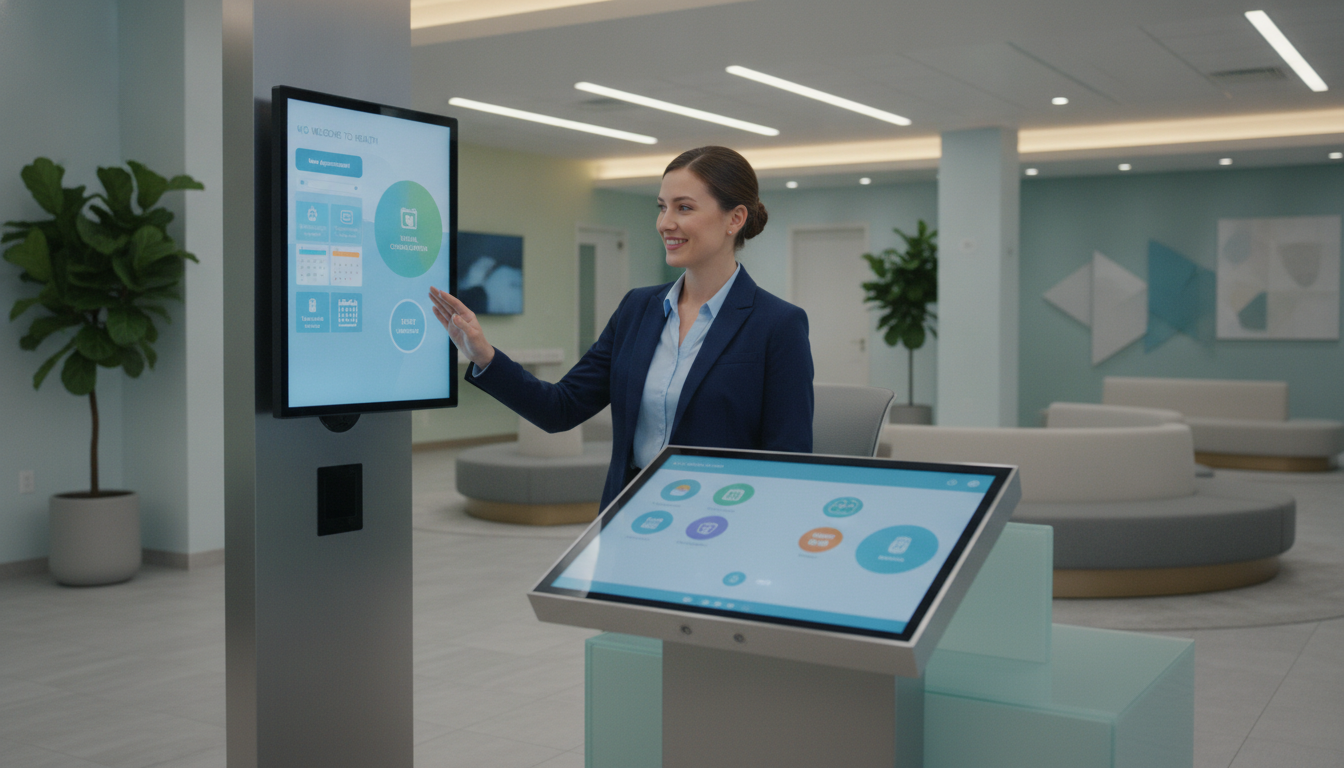
Did you know many medical and dental practices have overhead rates of 55–65%? This case study shows how one group cut their front desk costs by 60%. It offers a way to lower your expenses and find new ways to make your practice more efficient.
Every cost-saving measure matters when overhead is high. You can find a detailed look at tools and processes in this reduce front desk overhead case. The aim is to help you improve efficiency and financial health.
Key Takeaways
- High overhead can limit growth and innovation
- Virtual solutions offer a way to reduce front desk expenses
- Timely analytics help you measure real-time progress
- Clear strategies foster better staff engagement and unity
- Simple tech integrations can transform cost management
- Practical success stories fit any multi-provider setting
Introduction to Virtual Front Desk Solutions
Rising costs put pressure on healthcare practices. You face staffing challenges and look for ways to ease administrative tasks. A remote reception setup can handle phone calls, manage scheduling, and improve patient interactions.
This approach uses AI scheduling and cloud-based systems. It creates a digital workflow that meets your front office needs.
What is a Virtual Front Desk?
A virtual front desk works like an on-site reception area but uses digital platforms. You can let trained remote teams handle appointments and patient forms. This means less disruption during busy times.
This digital solution helps teams work better together.
Importance in Healthcare Practices
Using these tools saves time on manual tasks. Your practice becomes more efficient, focusing more on patient care. A virtual front desk case study shows teams can optimize staffing and lower financial risks.
Outsourcing the front desk leads to smoother workflows and better resource use. Overhead costs are a big issue for many offices. So, remote solutions are a wise choice.
Key benefits include:
- Lower front desk overhead
- 24/7 appointment coverage
- Improved patient satisfaction
Overview of the Multi-Provider Practice
Your practice is a busy place where dentists, family doctors, and specialists work together. This setup means a lot of patients, which can be hard on your front desk team. Old ways of doing things caused confusion and extra costs during busy times.
Background and Services Offered
Your team has experienced doctors from different fields. With many specialties, the admin work gets heavy. The American Medical Association says staff costs can be up to 30% of what you make. This made leaders look closely at how things are done and think about using a virtual front desk.
Challenges Faced by the Practice
There were often mistakes in scheduling, long waits on the phone, and messy workflows. Getting patients in and paying bills was hard because of all the tasks. Looking for ways to cut down on front desk costs led to exploring new, flexible support options.
| Key Factors | Details |
|---|---|
| Staff Costs | 25–30% of total collections |
| Scheduling Issues | High call volume and repetitive tasks |
The Need for Operational Efficiency
Every side is putting pressure on you, from rent to staff coverage. Wages for reception roles can go up if many employees work different shifts. This makes office costs rise while patient payments stay the same.
Rising Costs vs. Revenue Challenges
Rent, medical supplies, and tools add up quickly. Your income seems stuck when these costs don’t change. Cutting down on important things could hurt patient care.
Looking into a virtual front desk case study might help. It could save on labor hours and keep care quality high.
- Escalating rent creates significant budget strain
- Utility bills drain resources needed for patient outreach
- Expensive staffing reduces overall profit margins
Impact of Ineffective Front Desk Operations
Slow answers or scheduling mistakes can hurt patient trust. Not checking insurance properly can hurt profits. If calls are missed, patient satisfaction and your reputation can suffer.
Improving front desk tasks lets you focus more on patient care.
| Cost Factor | Effect on Practice | Possible Step |
|---|---|---|
| Staff Coverage | Larger wage outlay | Optimize virtual processes |
| Overhead Expenses | Reduced profit margin | Implement a virtual front desk case study |
Implementation of Virtual Front Desk
Your practice uses new platforms to make daily tasks easier and connect with patients quicker. This change comes from a virtual front desk study. It shows how old ways were replaced with new ones, making work less hard.
Now, digital sign-ins, remote access, and quick call routing keep everyone involved. Staff work better, and they meet important rules.
Selection of Technology Partner
The team looked at options based on how reliable they are, how safe they keep data, and if they work with current EHR software. They chose a partner that follows HIPAA rules to keep patient info safe. They also checked out visitor management trends at visitor management insights to make sure the platform was good.
Staff Training and Integration
They had on-site demos and interactive workshops to help teams feel comfortable. Staff saw how easy it was to manage calls with the new system. This made the transition smooth, just like front desk outsourcing results. For more on saving money, check out cost reduction strategies.
Measuring Success: Key Performance Indicators
Tracking your practice’s success begins with accurate data. This data shows how front desk processes affect patient experiences. You might look at call abandonment rates, how long it takes to register patients, or overhead costs as a percent of collections.
An ideal range for these metrics is often 55–65%. Each one points out areas to improve in a virtual front desk case study.
Metrics for Improvement
Streamlined patient intake can lead to shorter wait times. If you see a 50% drop in delays or a 2-day quicker insurance verification, you’ve found real savings. This data helps keep your operation efficient without stressing patient care.
Tools Used for Tracking Progress
Robust analytics dashboards let you watch front desk tasks live and make changes right away. AI-driven phone logs show when call volume spikes, helping you manage staff. By using advanced systems, your team gets instant data across all sites.
Visit this virtual check-in link to see real-world results.
Achievements Post-Implementation
Once you set up a remote system, your practice moves faster. Roles change and digital tools help manage tasks. This leads to better payroll and more time for patient care.
Reduction in Front Desk Overhead Costs
Expenses fall by 60% with a virtual setup. Less money is spent on salaries for on-site jobs. This money can help with patient tools, making your practice more stable. The virtual front desk case study shows how remote work saves money.
Enhanced Patient Satisfaction Rates
Patients wait less and get appointments faster. This makes them happier and more likely to stay. Staff also feel better, doing more important work. The virtual front desk case study shows remote work builds loyalty.

| Key Metrics | Performance Gains |
|---|---|
| Front Desk Overhead | Reduced by 60% |
| Appointment Scheduling | Faster by 40% |
| Patient Satisfaction | Increased by 25% |
Case-Specific Challenges Encountered
Starting a new system can bring surprises. Some team members fear losing their connection. Others doubt their job roles. But, planning every step helps keep everyone focused on big goals.
Good planning brings order to mixing old ways with new tech. Getting everyone involved early and talking clearly helps build trust. This reduces fears about new tools.
Resistance to Change
Change can make people nervous in their daily work. They might worry about losing a personal touch. But, talking openly and supporting each other builds confidence and shows their worth.
Technical Difficulties
Problems with old systems or clinics can slow things down. Issues with connections or software can upset work. Having a reliable support team and clear fixes helps keep things running smoothly.
Comparative Analysis: Before and After
Looking at your old front desk setup and the new remote approach shows big wins. Overhead costs drop from almost 70% to about 60%. This is in line with the best in healthcare.
Financial Performance Metrics
Labor costs were once a big problem. But with the virtual front desk, costs go down and staff time is freed up. Your practice makes more money by cutting out unnecessary tasks.
Staff Productivity Changes
Teams used to spend a lot of time on non-clinical tasks. This case study shows how remote systems help. Now, staff can focus more on patient care. This leads to better teamwork and care quality.
| Metric | Before | After |
|---|---|---|
| Overhead (%) | ~70% | ~60% or Lower |
| Monthly Labor Costs | High | Reduced |
| Staff Time on Direct Patient Care | Limited | Expanded |
Best Practices for Implementing Virtual Front Desks
Start with clear goals and watch your costs closely. This is like a CFO’s plan for success. A study shows that linking efforts to money matters is key.

Effective Communication Strategies
Talk openly with patients and staff to build trust. Share updates on scheduling to make booking easier. Use texts or emails for ongoing contact.
- Keep messages short for better understanding.
- Give patients many ways to share their thoughts.
- Hold regular team meetings to solve problems.
Training and Support for Staff
Make sure your team knows how to use new tools. Give them clear tutorials and practice. Let them watch experienced colleagues to learn more.
Supporting growth helps your team work better together. Investing in training builds a culture that grows and succeeds.
Conclusion and Future Insights
This virtual front desk case study shows new ways to cut costs. It helps you build better patient relationships and keeps your staff happy. Keeping administrative tasks in check gives you a clear path forward.
The Long-Term Benefits of Virtual Solutions
Using these platforms can make your workflow more efficient. Your team gets more time for meaningful care. Patients feel valued with smooth task handling.
This approach grows with your practice and keeps costs steady.
Future Trends in Front Desk Operations
AI tools, chatbots, and integrated billing systems are coming. They’ll help you handle routine tasks better. You’ll be ready for changes in healthcare.
Adopting these solutions will make your practice strong financially. This forward-thinking approach keeps costs down and patients happy for years.


