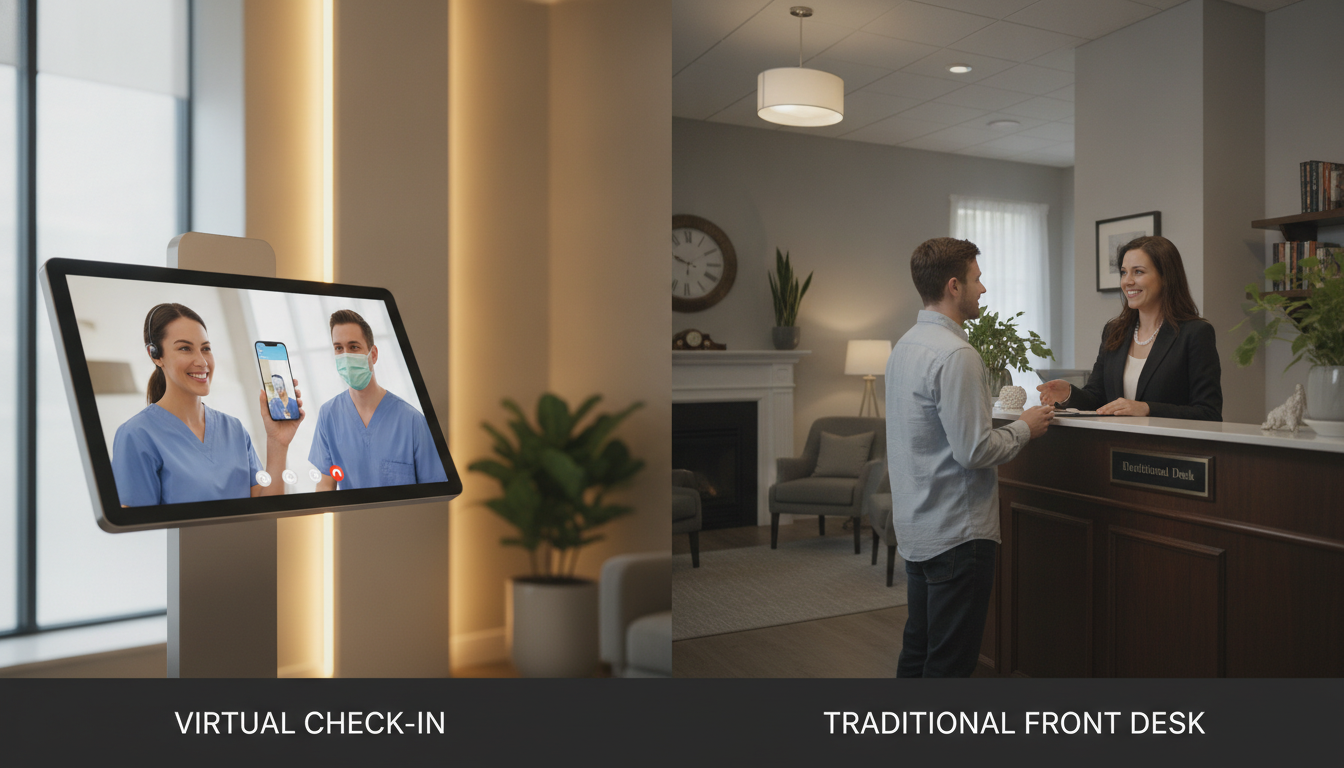
Did you know over half of healthcare groups are using digital solutions for patient intake? You might be thinking if a virtual check-in vs front desk is best for you.
Many practices use tools like Weave or ClinicMind to make check-ins faster and cut down on manual work. Even though face-to-face front desks are important for personal service, new tech offers a lot of freedom.
This section helps you choose between virtual check-in vs front desk. You’ll learn about the main features of each and how they match your goals.
Key Takeaways
- Digital sign-ins can cut down administrative tasks.
- Front desk contact supports personal connections.
- Platforms like Weave and ClinicMind handle patient intake.
- Virtual options give you scheduling control.
- Face-to-face systems help build trust.
- Decide what aligns best with your workflow.
Understanding Virtual Check-In
Virtual check-in lets you verify patient details before they arrive. It checks demographics, insurance, and visit schedules in one step. This makes wait times shorter and staff work more efficiently.
What is Virtual Check-In?
It’s a digital way to confirm important information securely. You might get text reminders or email prompts. These help reduce paperwork when patients arrive.
Benefits of Virtual Check-In
Using it can lead to fewer mistakes and happier patients. It lets you focus on care, not paperwork. This makes it easier to choose between virtual check-in vs front desk by saving time.
“We saved hours each week by digitizing our intake process,” said a clinic manager in New York.
Common Platforms for Virtual Check-In
Weave and ClinicMind are top choices. They offer HIPAA-compliant environments that work with your tools. They help manage appointments, making it easier than having a virtual front desk vs in-house receptionist.
The Role of Traditional Front Desks
When you compare virtual check-in to front desk, a warm welcome is key. You want guests to feel at home right away. A real person can make them feel secure and understood.
A team at the desk can help with questions and build trust. This is important for your practice.
Functions of a Traditional Front Desk
Staff at the desk manage schedules, answer calls, and check insurance. This makes sure everything is correct from the start. Fewer mistakes mean smoother visits.
They also make patients feel more at ease. This builds a friendly atmosphere for all.
Advantages of Face-to-Face Interaction
Talking to someone in person helps with tough topics. People share more when they feel heard. This can make patients more loyal and happy.
Choosing between virtual check-in and a front desk is about people. Human connection is key to happy patients.
| Role | Outcome |
|---|---|
| Appointment Scheduling | Minimizes confusion and keeps visits on track |
| Greeting Patients | Sets a welcoming tone and eases anxieties |
| Insurance Verification | Confirms coverage details for less billing hassle |
| Payment Collection | Streamlines billing and reduces payment delays |
Cost Comparison: Virtual vs. Traditional
When choosing between virtual check-in and front desk, cost matters. You need to look at subscription fees, hardware, and salaries. This helps you see how outsourcing can save on staff costs.
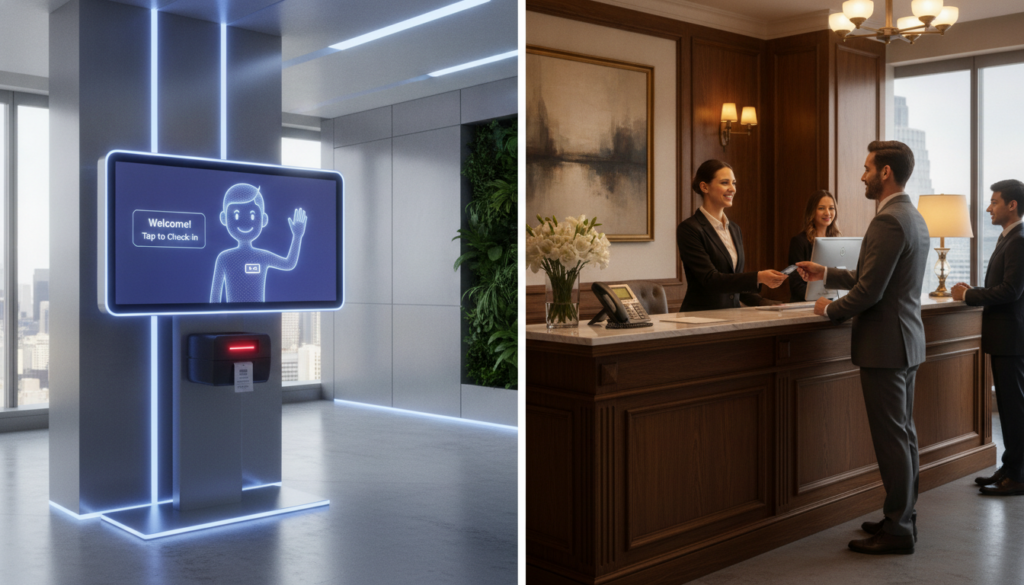
Smart budgeting keeps your practice financially healthy. You might choose a mix of old and new ways. Or go all in on digital tools for better results.
Initial Setup Costs
Traditional front desks need phones, computers, and space. You also pay for salaries, benefits, and training. Virtual options skip the physical stuff but charge a fee.
Ongoing Operational Expenses
Your practice has ongoing costs like tech support and software updates. These can be high. But, outsourcing can lower these costs. Important things to consider include:
- Employee training and HR tasks
- Maintenance of office equipment
- Missed calls if coverage is limited
Looking at this comparison helps you decide. It balances your goals with what you can afford.
Patient Experience: Virtual Check-In
Many patients like to manage their appointments from home. This makes things easier, letting them sign up whenever they want. It shows a new way to give care without hassle.
This method makes visits less stressful. It makes people happier in many healthcare places.
Convenience for Patients
Digital forms cut down on paper work. It saves time for those who are always busy. They can pay and sign up online.
Things like email reminders help keep everyone on the same page. It builds trust and makes check-ins smoother.
Reducing Wait Times
Waiting rooms can get very crowded. This makes everyone feel stressed. But, sending instructions online helps patients arrive right on time.
Shorter waits mean happier patients. They are more likely to come back. People often say that easy sign-ins help them keep their appointments.
Patient Experience: Traditional Front Desk
Welcoming patients with a friendly smile can set a comforting tone. It allows you to interact with those who prefer genuine human contact. This approach may resonate most with individuals who find digital systems less intuitive in the virtual check-in vs front desk debate.
Personal Touch in Service
A receptionist who calls you by name can enhance trust. Certain people appreciate face-to-face communication to convey worries or requests. Eye contact and active listening can reduce anxiety during appointments and make your practice environment feel more welcoming.
Handling Complex Queries
Some concerns demand clear explanations or additional reassurance. In-person staff can guide individuals through billing or paperwork better than a screen. This hands-on support stands out during heightened stress, reinforcing your value in the virtual check-in vs front desk conversation.
Technology Integration in Virtual Check-Ins
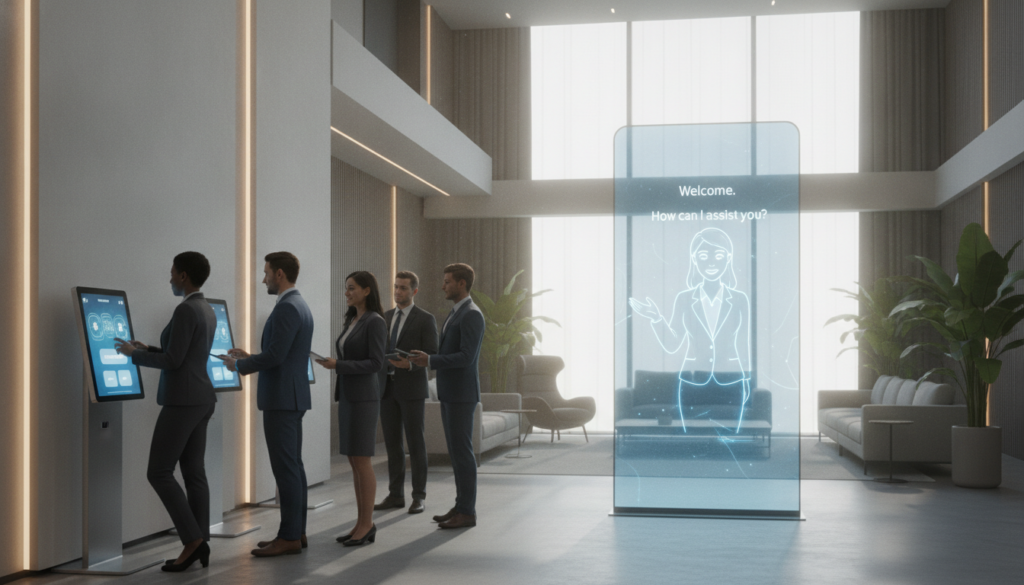
Digital tools have changed how we manage appointments and patient data. This change makes connecting virtual check-ins with the front desk easier. It boosts efficiency in scheduling and filling out forms.
Required Software and Tools
Special platforms are key to a smooth virtual process. A central system can handle calls, texts, digital forms, and updates. This keeps patient records up-to-date.
You might use tools like Zoom or SimplePractice. They work with electronic health records for accurate data.
Data Security and Privacy Considerations
Keeping patient info safe is a must. HIPAA-compliant software uses encryption and secure logins. This keeps data private at all times.
Hosting environments are also managed to keep data safe. This makes sure both virtual and in-person services are secure.
| Tool Name | Key Features | Use Case |
|---|---|---|
| Zoom | Encryption, EHR Integrations | Telehealth Sessions |
| SimplePractice | Scheduling, Secure Forms | Centralized Practice Management |
| RingCentral | HIPAA Compliance, Video Calls | Patient Communication |
Staffing Implications for Traditional Front Desks
A dedicated front desk makes your visitors feel welcome. You have a team ready to help with walk-ins and quick questions. This setup builds trust and keeps your practice running smoothly.
Staffing Requirements and Costs
Front desk staff handle scheduling, payments, and more. This can increase your labor costs. You need to budget for benefits and overtime, which can be tough for small offices.
Some places cut costs by hiring part-time workers or training staff to cover all hours.
Staff Training and Management
Keeping your front desk team trained is essential. You spend time teaching them about workflow and customer service. This effort can improve patient happiness.
But, managing them well is also important. Looking at virtual check-in vs front desk options can help reduce work and fit your future plans.
Effectiveness of Communication
You build patient trust by being consistent in what you say. Virtual tools let you share news quickly and reach people anywhere. This makes your work flow better and keeps talks clear.
Virtual Communication Channels
Quick messages and alerts help you stay on track. They work like virtual check-in vs front desk, making it easy to share info. This way, you get answers fast and avoid misunderstandings.
- Text notifications for immediate updates
- Online portals for appointment requests
- Video calls for real-time clarity
In-Person Communication Benefits
Talking face-to-face lets you show empathy and understand people better. Sometimes, a personal touch is needed to build trust. Mixing virtual tools with real human interaction can make patients happier.
Case Studies: Successful Implementations
Real-world examples show how a clear shift can change your practice workflow. Businesses that pick virtual check-in over front desk methods improve patient experiences. They also boost operational efficiency.
Some clinics succeed by making sign-in easier, cutting wait times, and keeping patients engaged.
Practices that Utilize Virtual Check-In
Weave and ClinicMind help practices unite patient data and lower no-shows. They make scheduling simpler, reduce bottlenecks, and offer more flexibility. Facilities with many sites get one system for better communication and on-time appointments.
Benefits Realized by Traditional Front Desks
Some offices value face-to-face connections, building strong bonds with those who like personal contact. They get immediate feedback to adjust services right away. This builds a loyal community and strengthens local presence, showing the worth of a traditional front desk.
Making the Right Choice for Your Practice
Choosing a check-in process involves many factors. Your office layout, patient comfort, and visit complexity matter. A detailed review helps decide between virtual check-in and front desk.
Assessing Patient Preferences
Some patients prefer automated options for convenience. Others enjoy the personal touch of a front desk. It’s good to ask your patients which they prefer for routine visits.
Balancing Technology with Personal Touch
A hybrid model combines digital speed with personal interaction. It automates simple tasks and offers help for complex questions. This mix makes your system efficient and welcoming.


